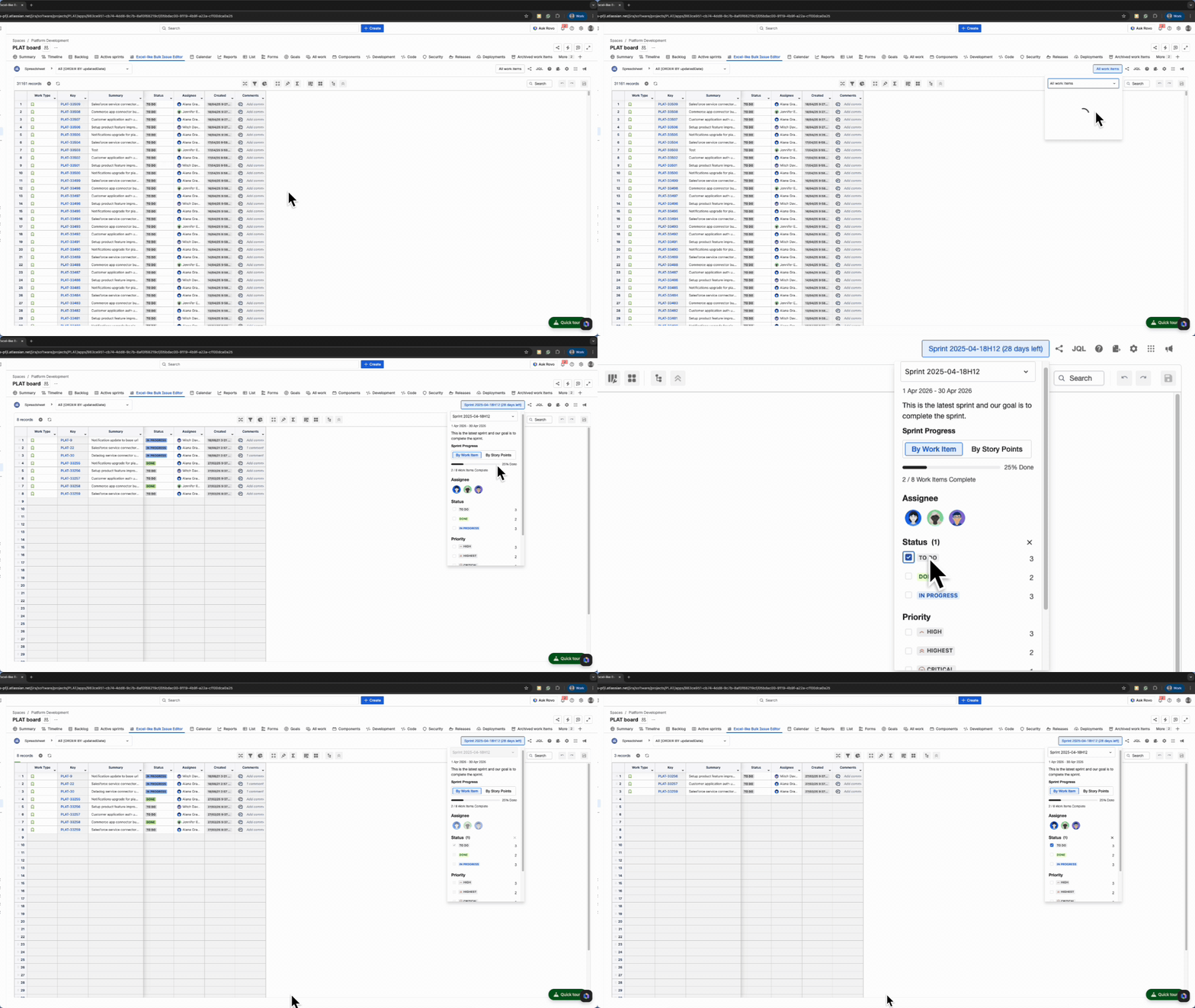
The Active Sprint Filter lets users filter Jira work items to the currently active sprint(s) in a Jira project.
How it works
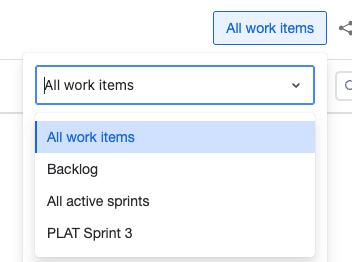
By default, all Jira work items in the selected project appear. Narrow results using one of these options:
-
Backlog - Show unresolved work items outside active sprints for backlog review and refinement.
-
All active sprints - Show work items from all currently active sprints.
-
Specific sprint - Select a single active sprint to focus on.
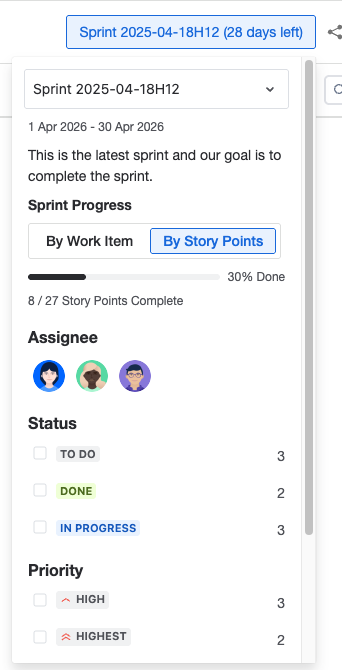
Below is an example of the Active Sprint Filter showing active sprint details (progress, start date, and end date) and the available filter options.
-
Assignee
-
Status
-
Priority
Sprint progress can be tracked in two ways:
-
By Work Item
-
By Story Points