
The Excerpt Single Cell macro lets you pull and display the value of a single cell from any Excel-like Table for Confluence (ETC), directly on a Confluence page.
This is ideal for showing key data points from another table without cluttering the page.
The excerpt is read-only on the target page and stays in sync with the source.
✨ Key Benefits
-
Display a single cell's value anywhere in Confluence page.
-
Automatically updates when the source value changes.
-
Keeps your Confluence pages clean by surfacing only what's needed to your stakeholder.
📌 Use Case Examples
|
Use Case |
Description |
|---|---|
|
Status reporting |
Show a KPI like “Total Revenue” in an executive summary page |
|
Cross-page updates |
Surface the “Last Updated” date in multiple locations |
|
Metrics dashboard |
Collect important cells from different sheets in one view |
How to create
1. Insert the Macro
-
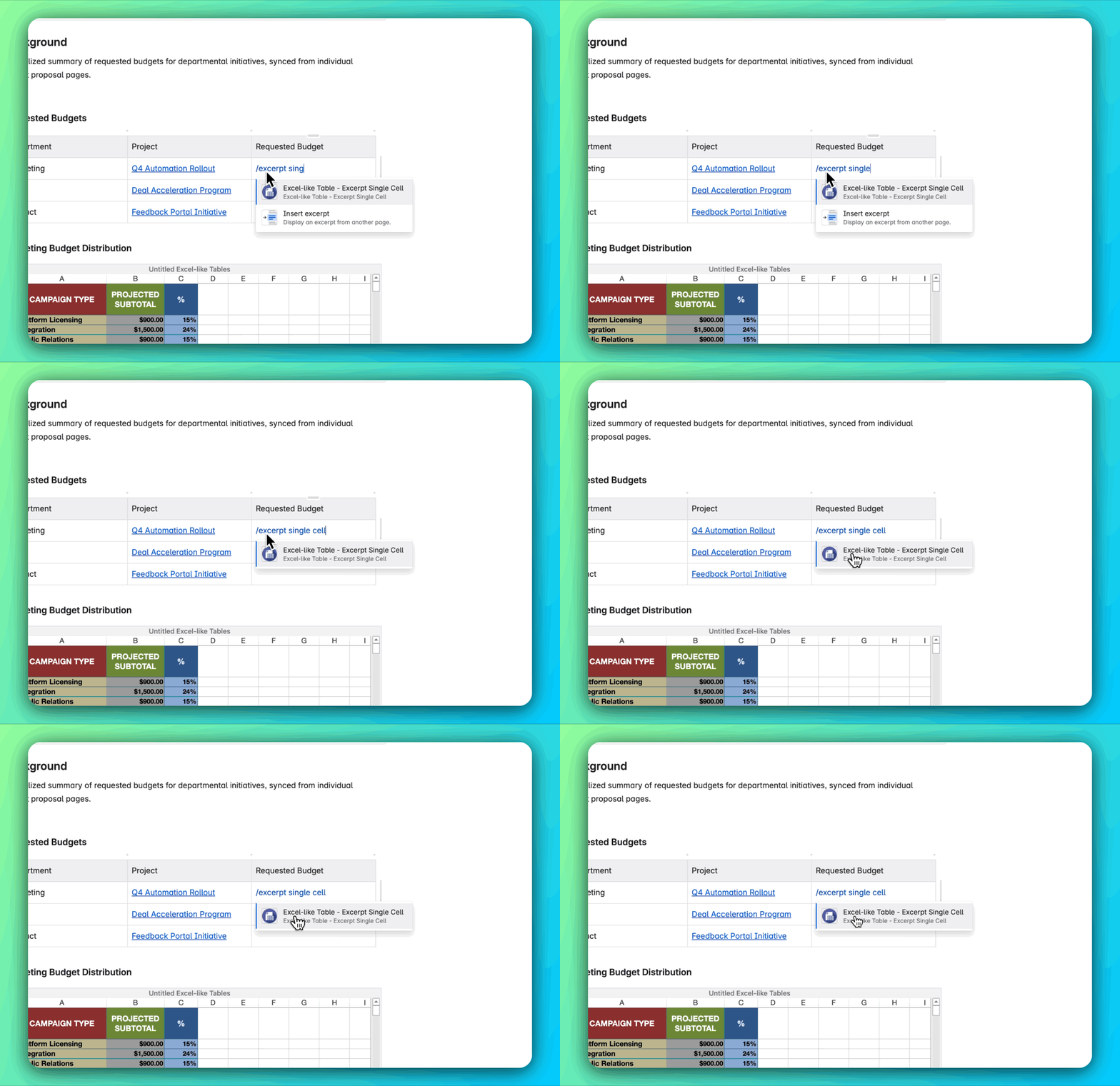
In the Confluence page edit mode, type
/excerpt single cell. -
Select the Excerpt Single Cell macro from the list.
2. Configure the Macro
-
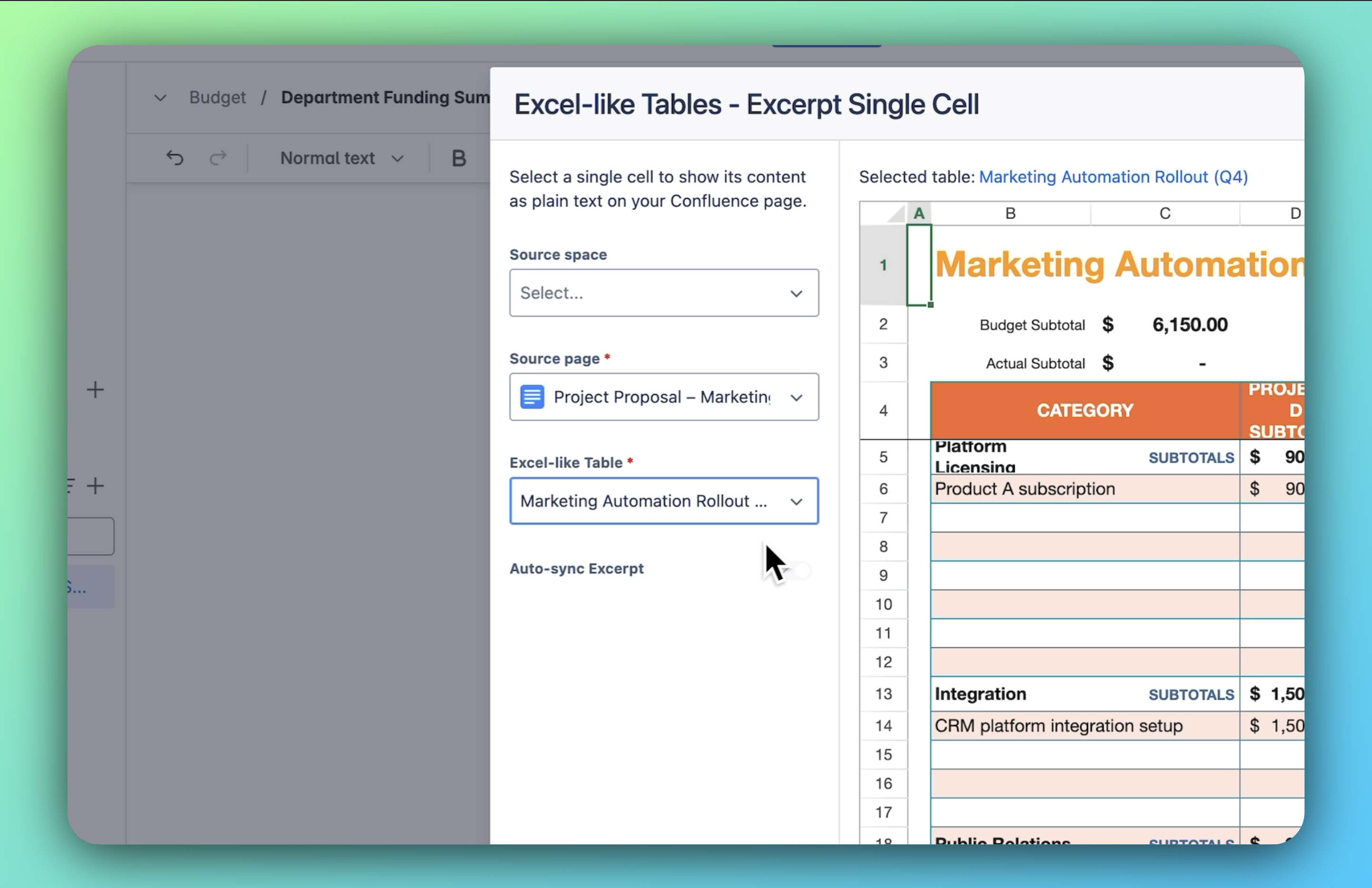
A configuration dialog will appear.
-
Select the source page and the specific Excel-like table you wish to reference.
-
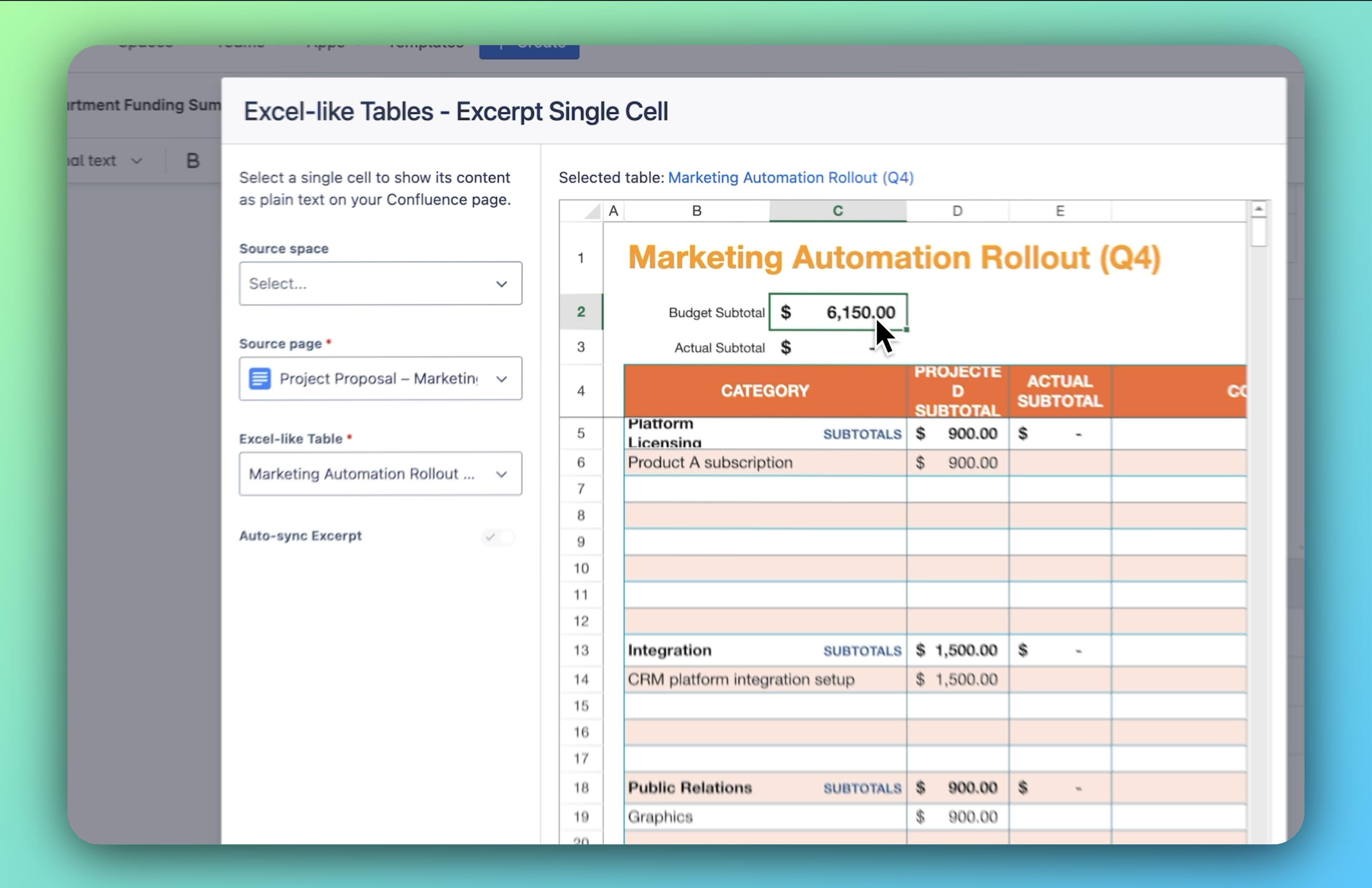
In the preview panel, click on the desired cell to select it.
-
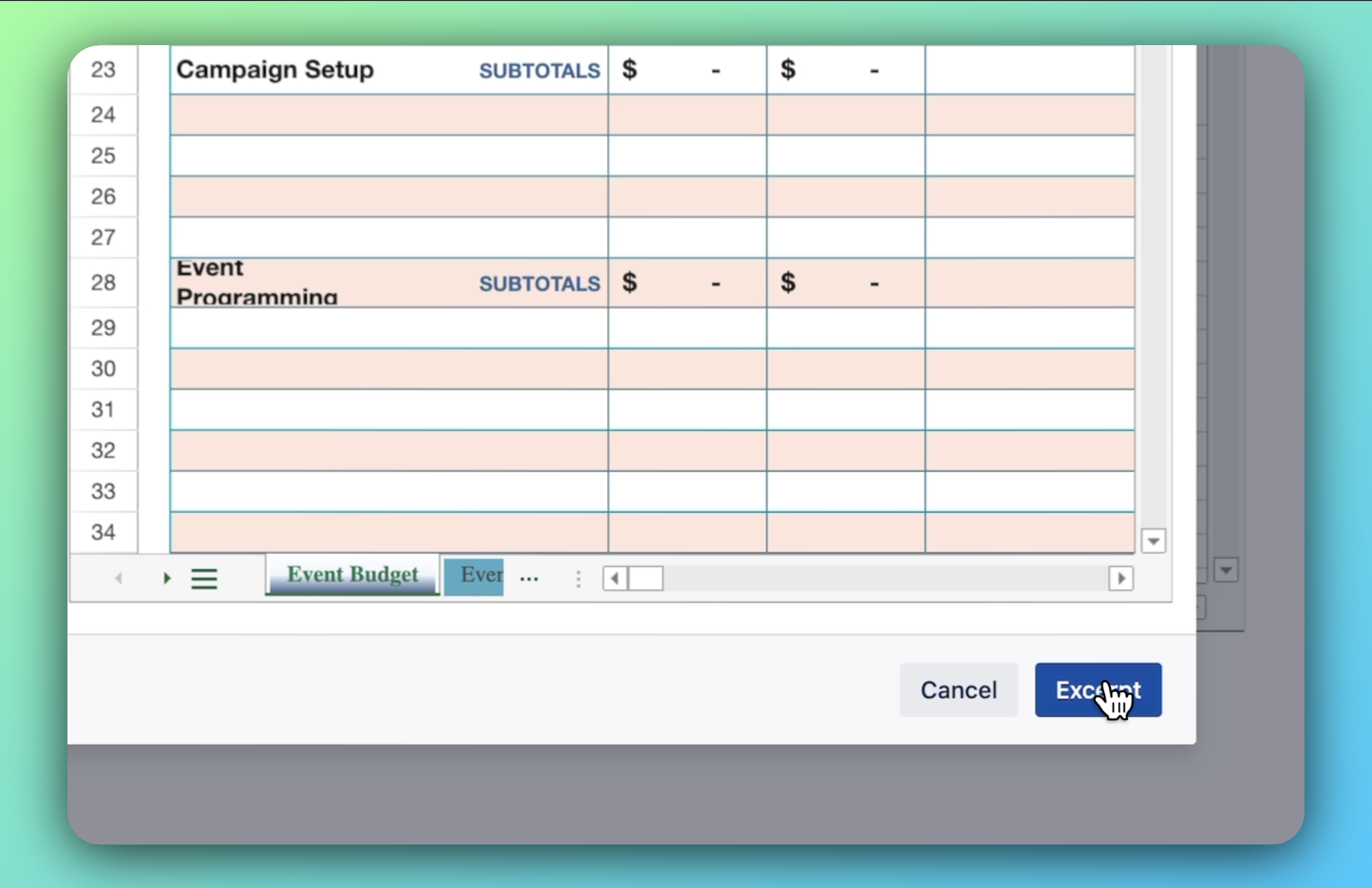
Click the Excerpt button to confirm your selection.
3. Finalize and Display
-
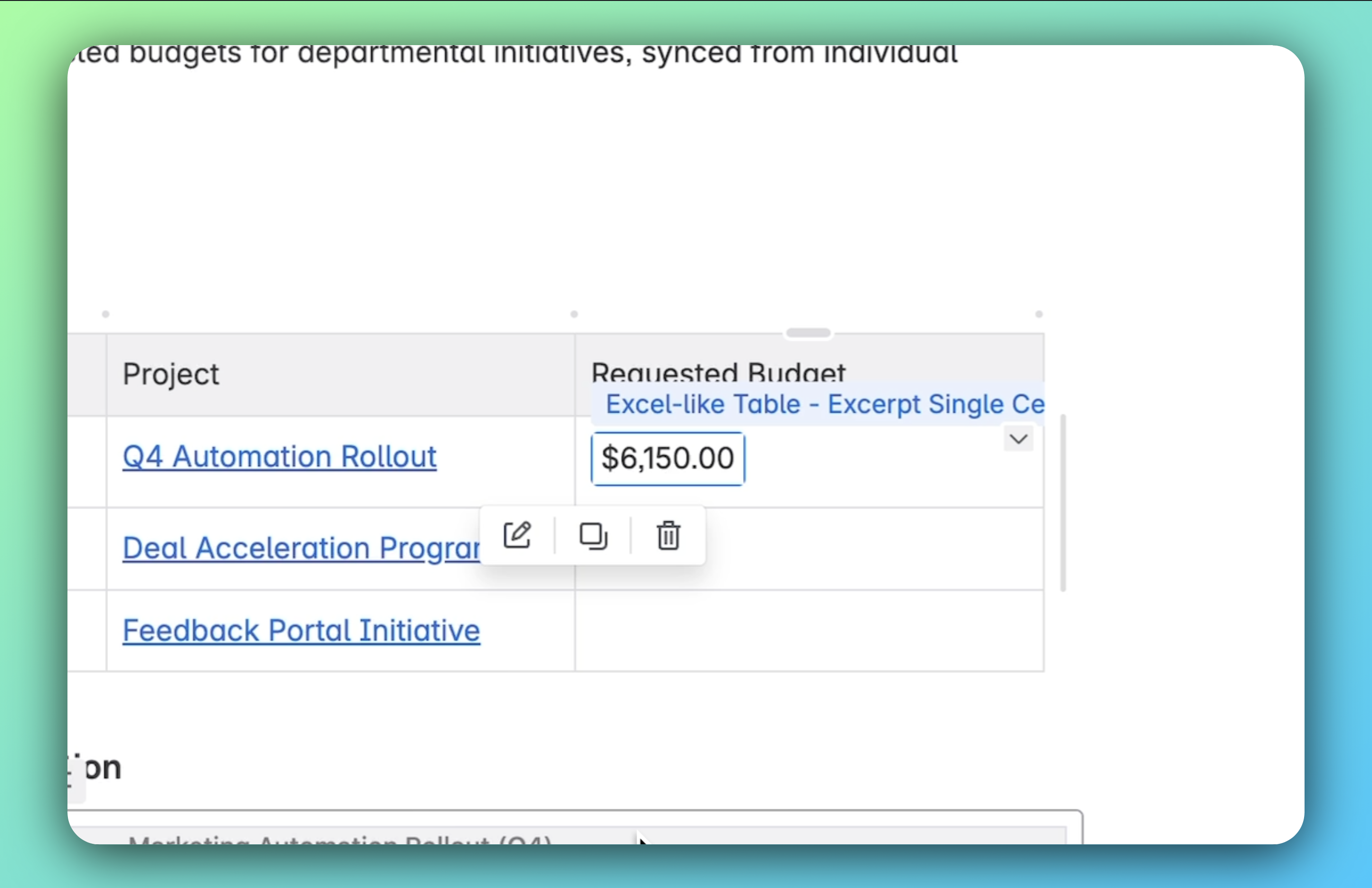
The selected cell's value will now be displayed on your Confluence page.
-
This value is read-only and will automatically update if the source cell changes.
Known Limitation
-
Formatting Restrictions: Currently, the displayed cell value cannot be formatted (e.g., bold, italic, color changes). This limitation is due to constraints within Confluence's editor.
To modify a macro:
-
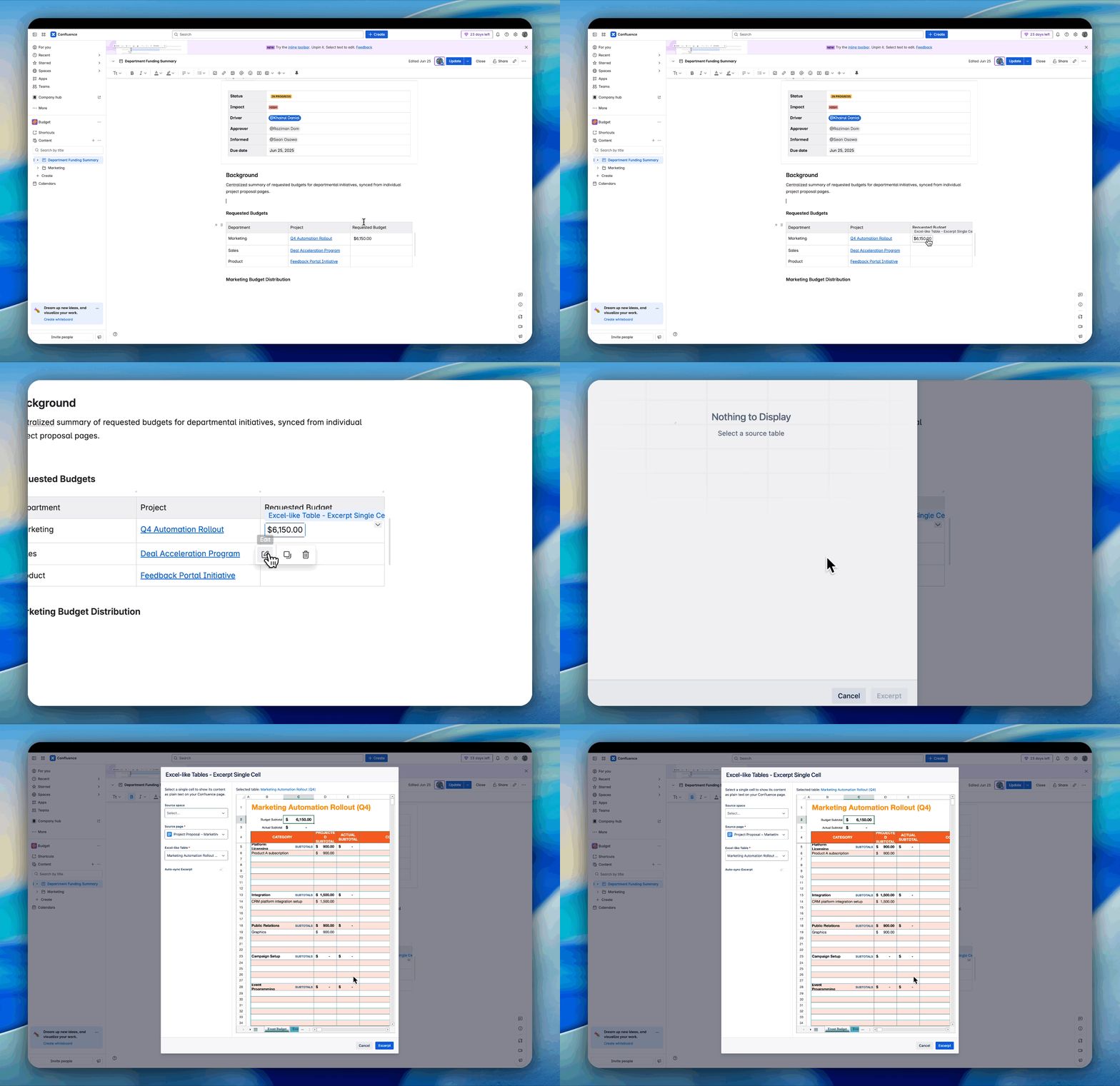
Hover over the macro you wish to edit.
-
Click on the Edit button that appears.
This will open the macro's settings, allowing you to make the necessary changes.