
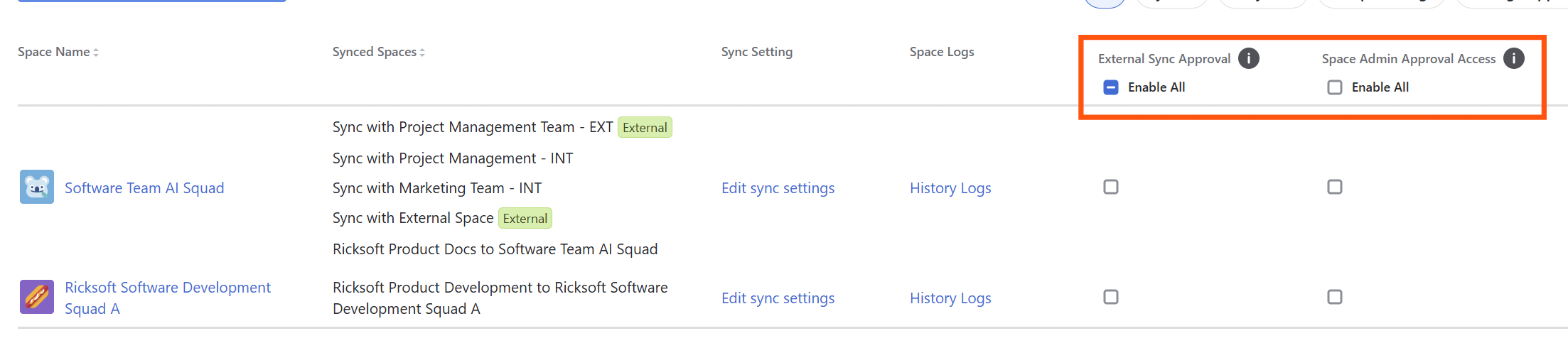
Organization and Confluence admins can manage two separate settings for each space from the Space Sync homepage:
-
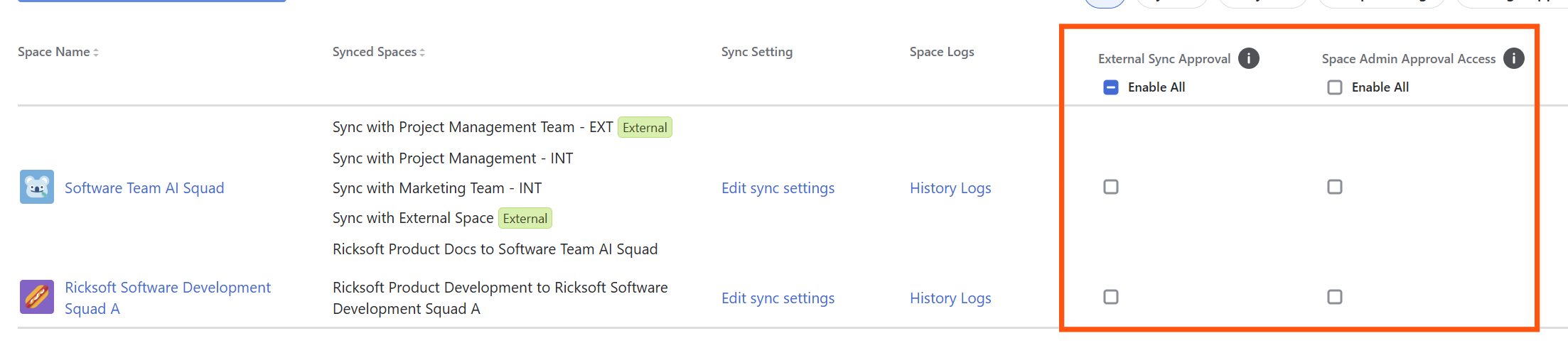
External Sync Approval controls whether external spaces must request approval before syncing with this space.
-
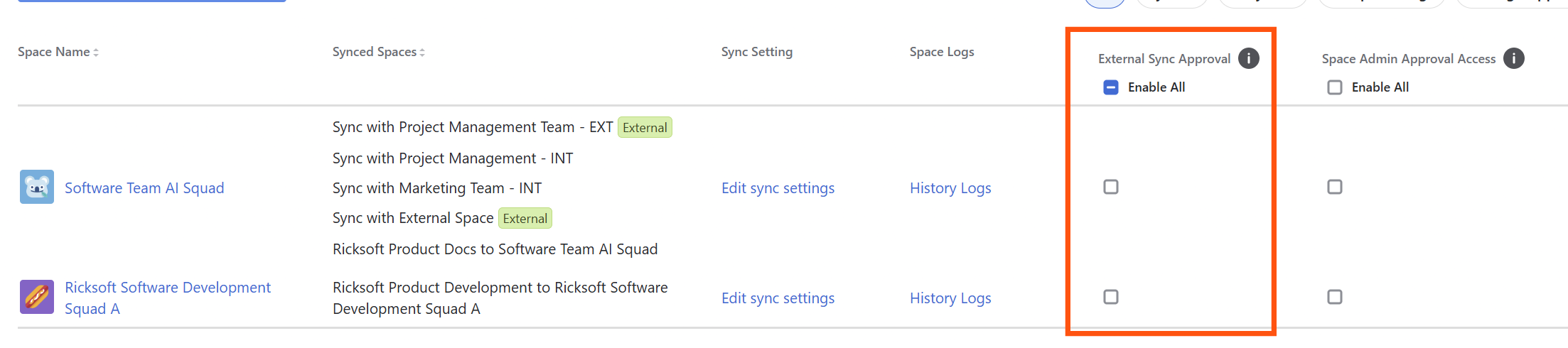
Space Admin Approval Access controls whether this space’s admins can manage External Sync Approval requests and settings.
Both settings are OFF by default for newly created spaces. Existing spaces keep their current settings.
Turn External Sync Approval on or off for a space
-
Open the Space Sync homepage.
-
Find the space you want to update. You can use the search bar.
-
In the External Sync Approval column, turn the setting ON or OFF.
When External Sync Approval is ON, external spaces requesting sync access to this space must go through the External Sync Approval approval process. The setting you choose on the Space Sync homepage is reflected in that space’s settings.
Allow a space admin to manage External Sync Approval
-
On the Space Sync homepage, find the space you want to update.
-
In the Space Admin Approval Access column, turn the setting ON.
A space admin can manage External Sync Approval only when External Sync Approval is also ON for that space. If you turn off Space Admin Approval Access, Organization and Confluence admins can still manage External Sync Approval.
Space admins cannot override the External Sync Approval ON/OFF setting chosen on the Space Sync homepage.
Update multiple spaces
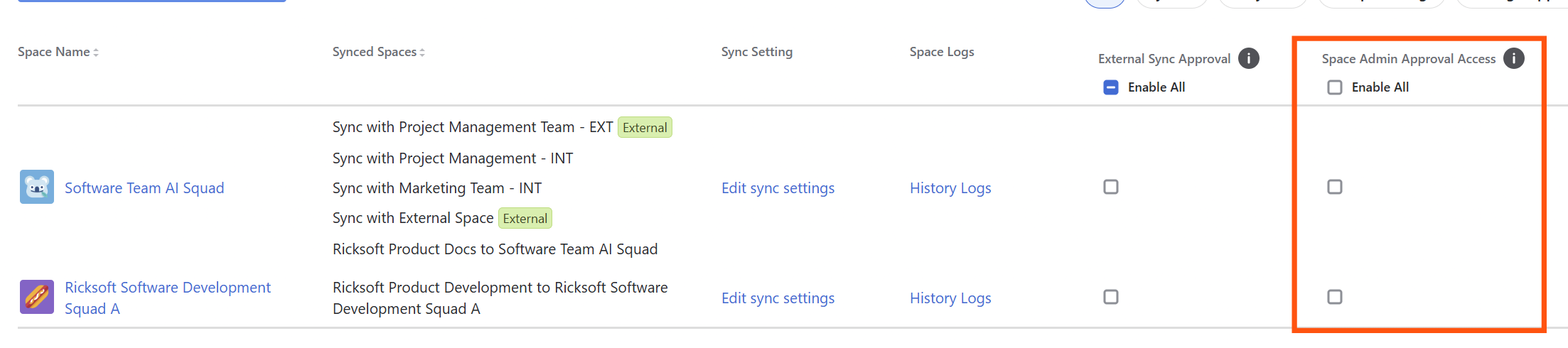
To turn on a setting for every space, click Enable All above its column.
To update only certain spaces, select the spaces you want and apply the setting to your selection.
Do this separately for External Sync Approval and Space Admin Approval Access. Enabling one does not automatically enable the other.
Understand the approval notices
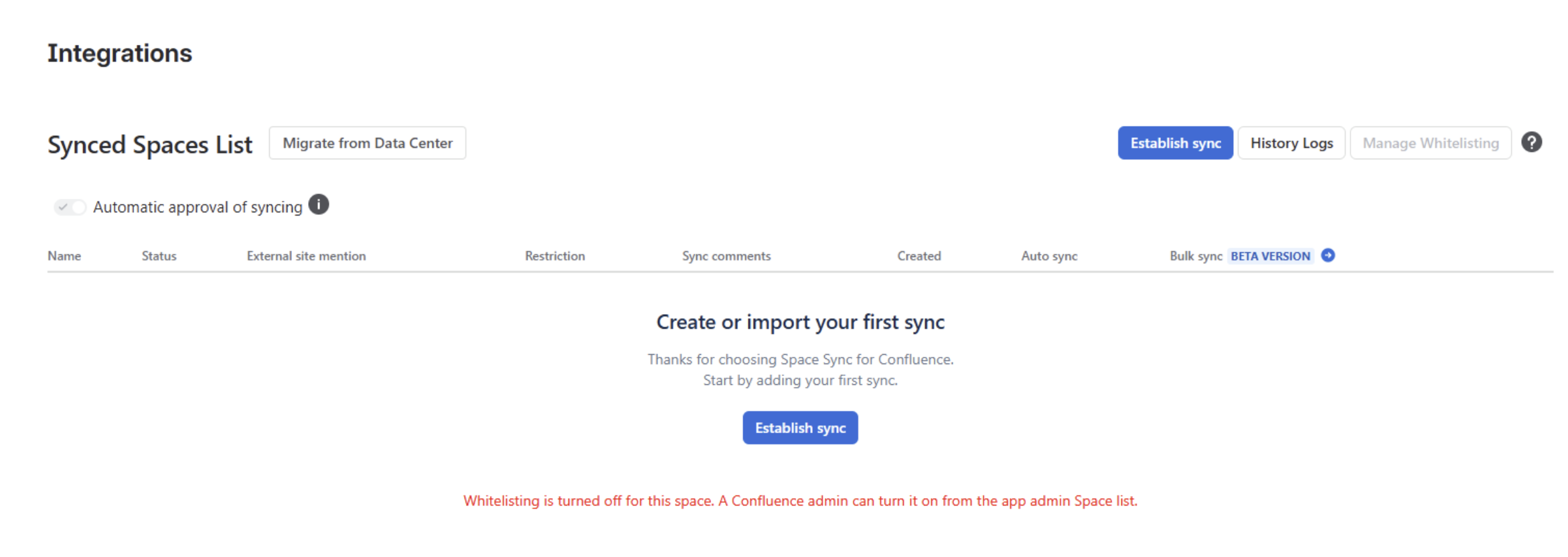
When External Sync Approval is off, the Synced Spaces List shows an informational notice. After another administrator imports a token, the external space can send changes without submitting an approval request. This is a configuration choice, not a synchronization error.
Confluence admins can select Open Space Sync homepage to change the setting. Space admins who do not have access are given instructions to share with an authorized Confluence admin.
When Space Admin Approval Access is off and External Sync Approval is on, only Confluence admins can manage requests for the space; space admins see a separate informational notice. Automatically Approve External Syncs is hidden when External Sync Approval is off. When it is on, authorized administrators can choose automatic or manual approval for incoming external requests.
For a pending external request, see Request Sync Access to a Source Space.