
Welcome to Space Sync for Confluence!
Space Sync for Confluence (SSC) lets you synchronize selected content between Confluence Cloud spaces, either within a site or across different sites. You can push individual pages, synchronize larger collections in bulk, or configure automatic updates for eligible content.
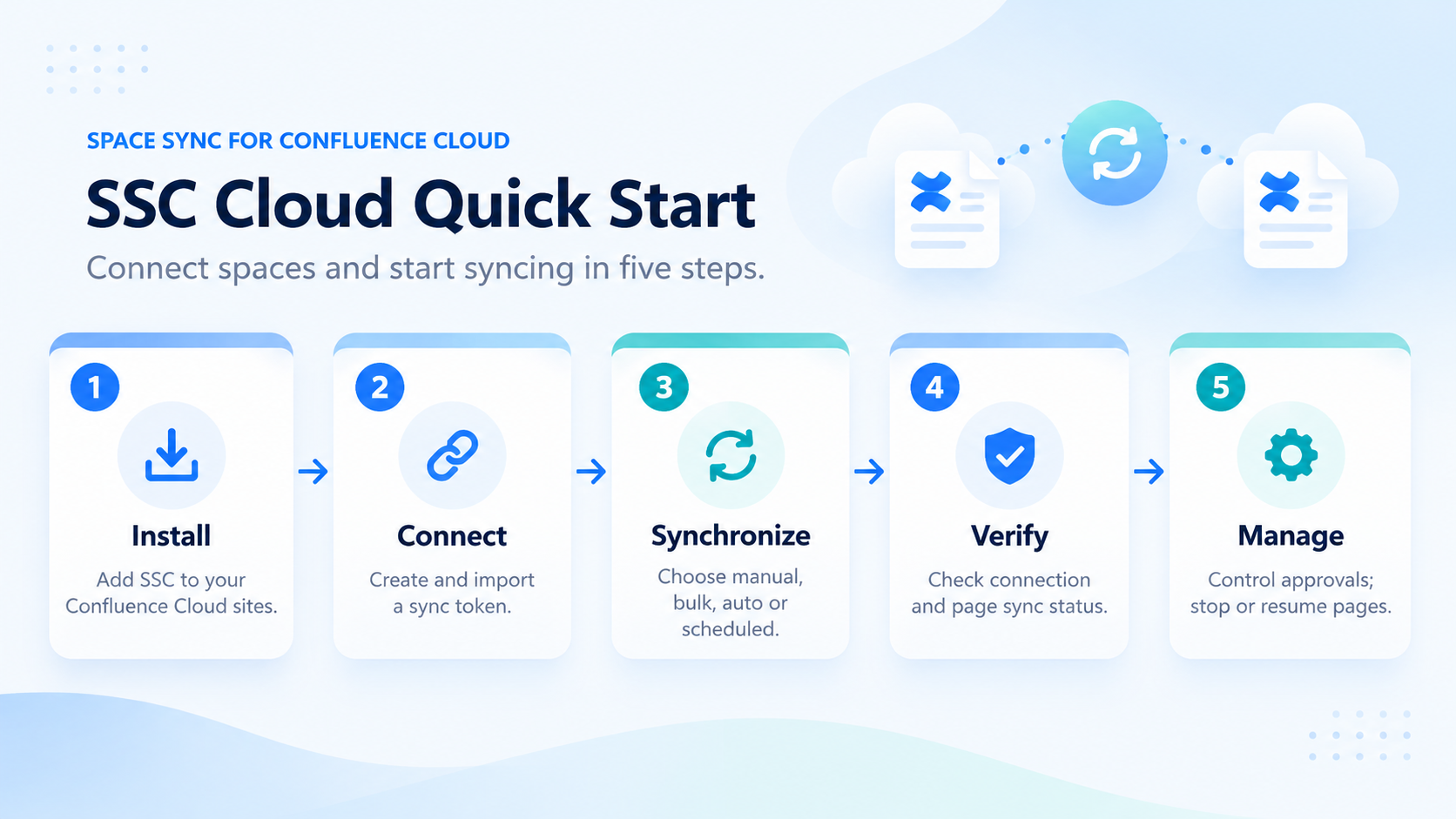
Quick start: connect, synchronize, and manage
-
Install SSC. Install Space Sync for Confluence on the Confluence Cloud site or sites you intend to connect. Start with the Atlassian Marketplace listing.
-
Establish a connection. Open Synced spaces list → Establish sync. The source administrator selects Create a new sync, configures the sync, then chooses Send token, Download token, or Share later. The receiving administrator selects Import a token, imports the file, and checks whether approval is required. Follow How to establish synced spaces.
-
Choose your first sync. Use Manual Sync for an individual page, or the Bulk and selective Bulk Sync tutorials for larger content sets. Importing a token establishes the connection; it does not itself confirm that every page has been synchronized.
-
Configure ongoing updates. Enable Auto Sync if you want eligible changes pushed automatically. Scheduled Bulk Sync is available for recurring transfers. For external-site connections, review whether External Sync Approval and Space Admin Approval Access are appropriate.
-
Check and manage results. Use the Synced Spaces List to review connection states and page sync status for content results. You can stop and resume individual page syncs without deleting the destination content.
Connection status and page status are different. A space connection shown as Connected does not mean every page has already been synchronized. Check individual pages separately.
What you can synchronize
-
Sync page with the pages in other spaces.
-
One page can be synced with multiple pages in multiple spaces.
-
In-site sync and over-site sync are supported.
-
Not only page body, but also page title, attachments, and so on.
-
Supported page content includes text, images, tables, attachments, and supported macros, subject to content limitations.
-
Page sync status like synced or the destination is ahead is shown.
-
Easy to establish synced spaces.
-
Creating a sync relationship exchanges connection configuration information, including a configuration identifier in the token. SSC transfers content selected for synchronization as described in the FAQs and content guide.
Atlassian Marketplace
https://marketplace.atlassian.com/apps/1225377/space-sync-for-confluence?hosting=cloud&tab=overview
-
To install the app, follow the guide on the installation tab on the marketplace page.
Tutorials and Guides
-
https://docs.ricksoft-inc.com/space-sync-for-confluence/space-admin-guide
-
https://docs.ricksoft-inc.com/space-sync-for-confluence/user-guide
Support
Feel free to submit tickets to our Support Site.