
Use this workflow when an external space administrator has imported a sync token but the source space requires External Sync Approval. Importing the token does not bypass the approval requirement.
Request for Syncing to a space when External Sync Approval is required
Prerequisite: The External space has imported token from the Source Space (on a different instance) and External Sync Approval has been required by the source space
-
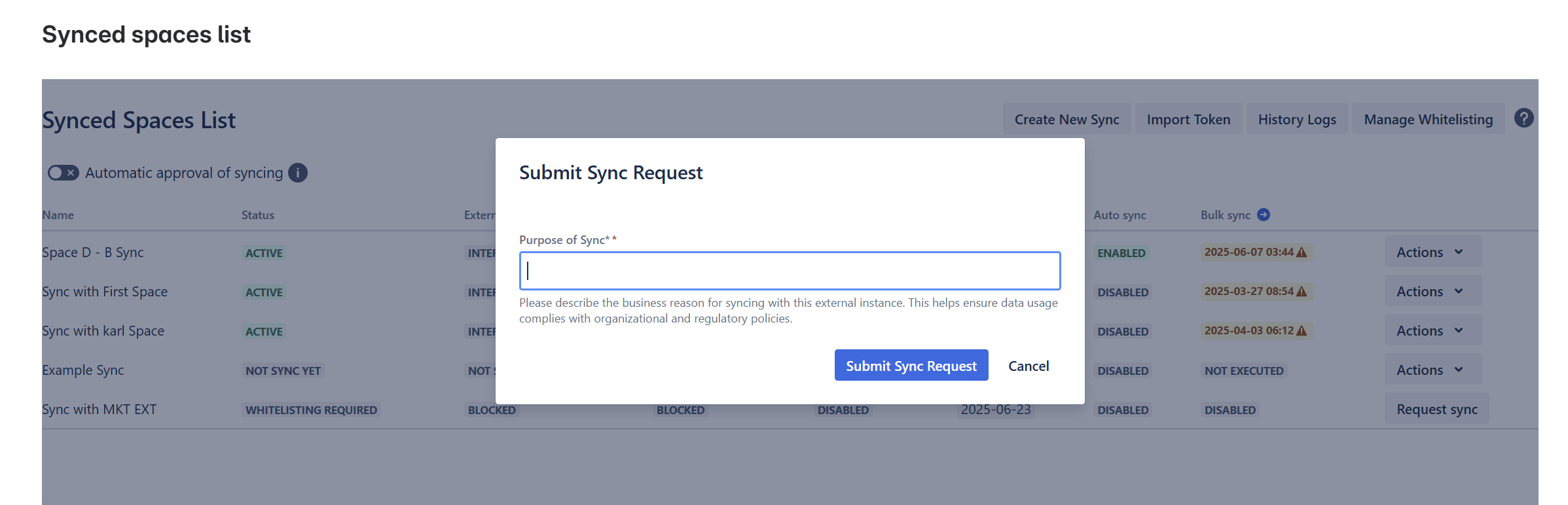
Click the Request sync Button

-
Add the purpose for Sync
-
Receive a notification that the request has been sent to the source space
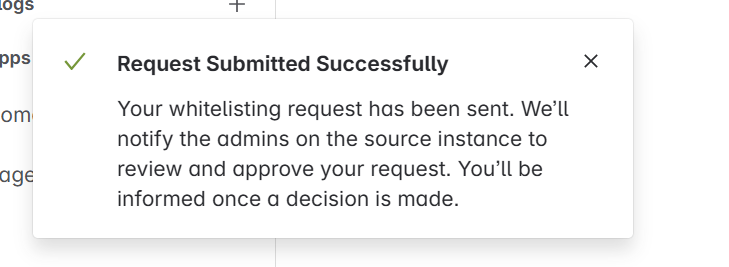
If the request is approved: Syncing to the source space will be automatically enabled.
If the request is rejected: You may submit a new request by repeating Step 1 & 2.
Check the approval result
If the connection shows Approval Required, open the corresponding connection in the Synced spaces list and select Actions → Request sync. Enter the business purpose and select Submit Sync Request. The connection remains pending until the administrator approves it. If rejected, review the reason and submit a new request if appropriate.