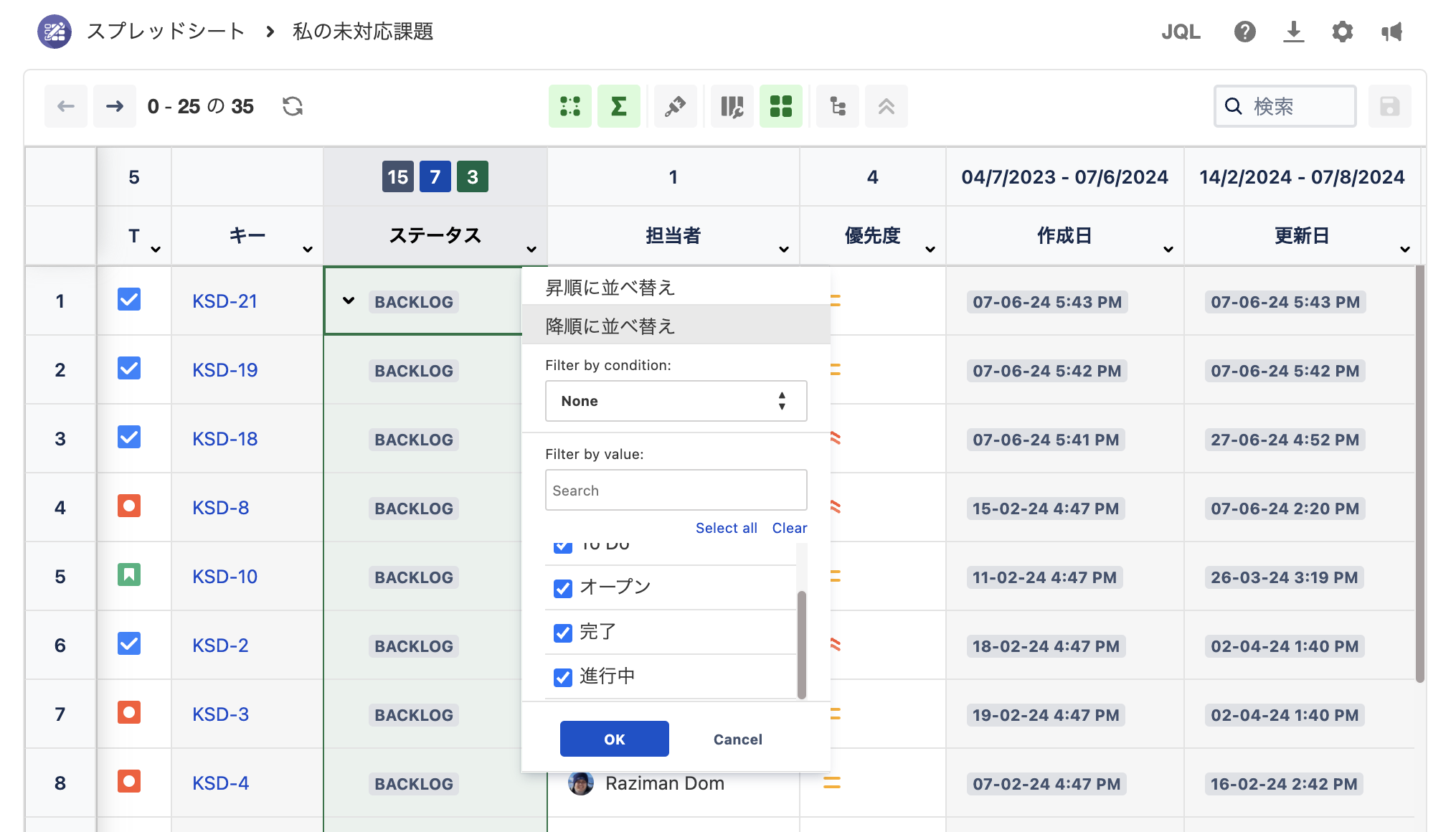
To give a seamless experience to all users, this app support most languages that are available in Atlassian.
How to change your language
-
Click your avatar, then select Profile.
-
Click the pencil icon on the Preferences section.
-
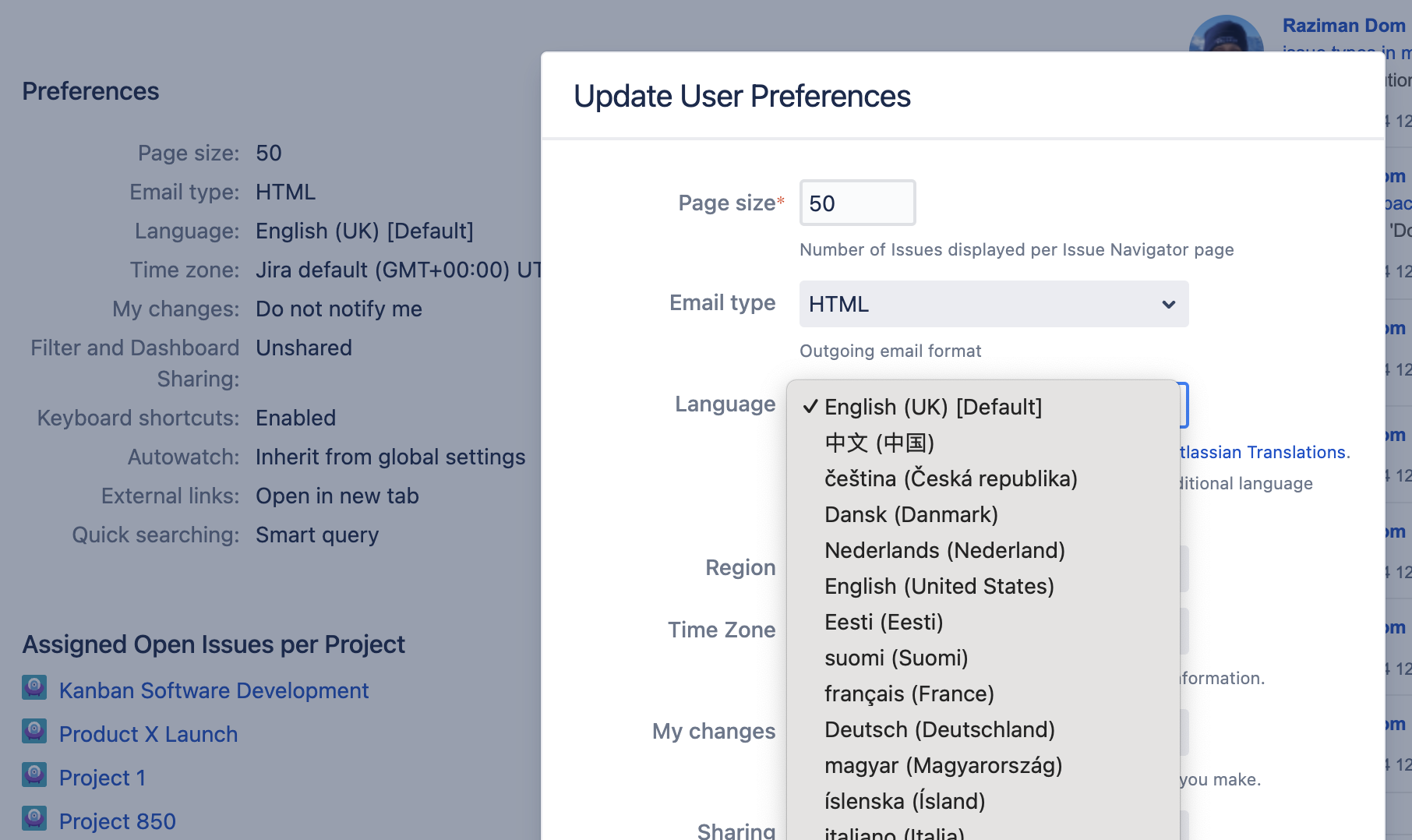
A new dialog ‘Update User Preferences’ will appear.
-
From Language, select your language from the dropdown options available.
Now your Jira Data Center language has been translated to the selected language. In this example, we selected Japanese.