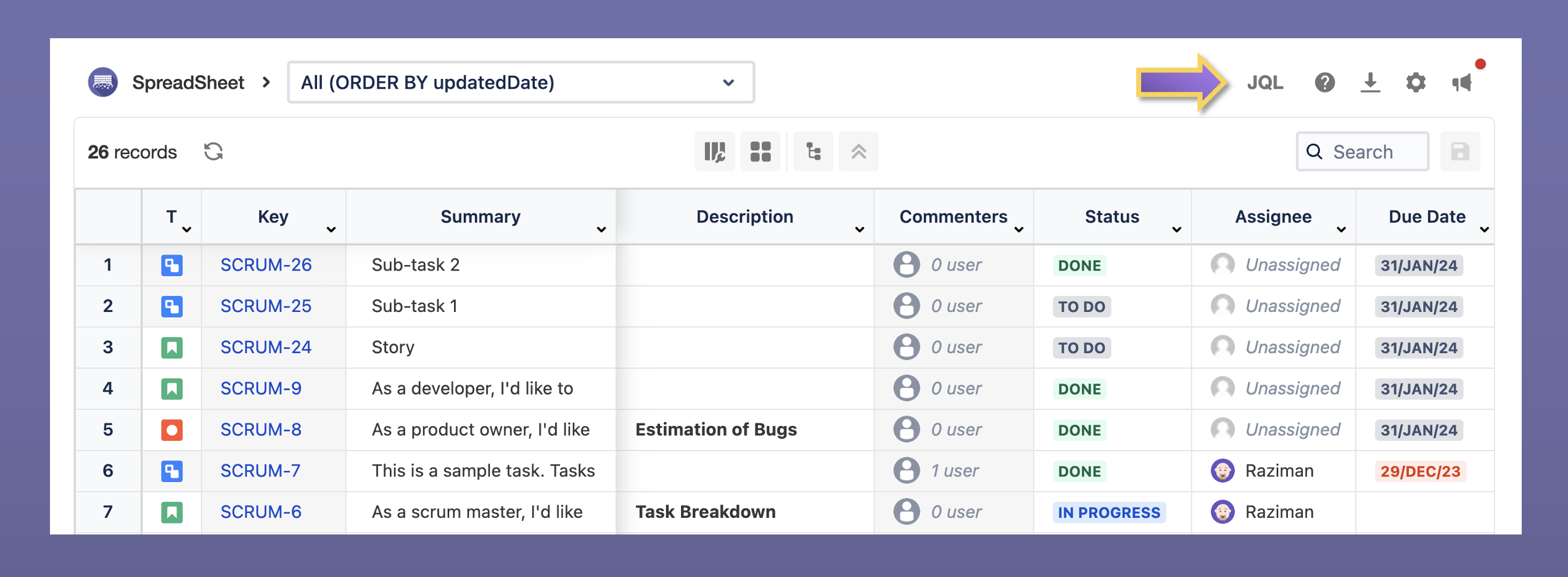
Actions you can do from the top configuration menu:
-
JQL Editor
-
Help and documentation
-
Download spreadsheet
-
Spreadsheet settings
-
Enable data bar number
-
Enable format time tracking fields
-
-
Product updates
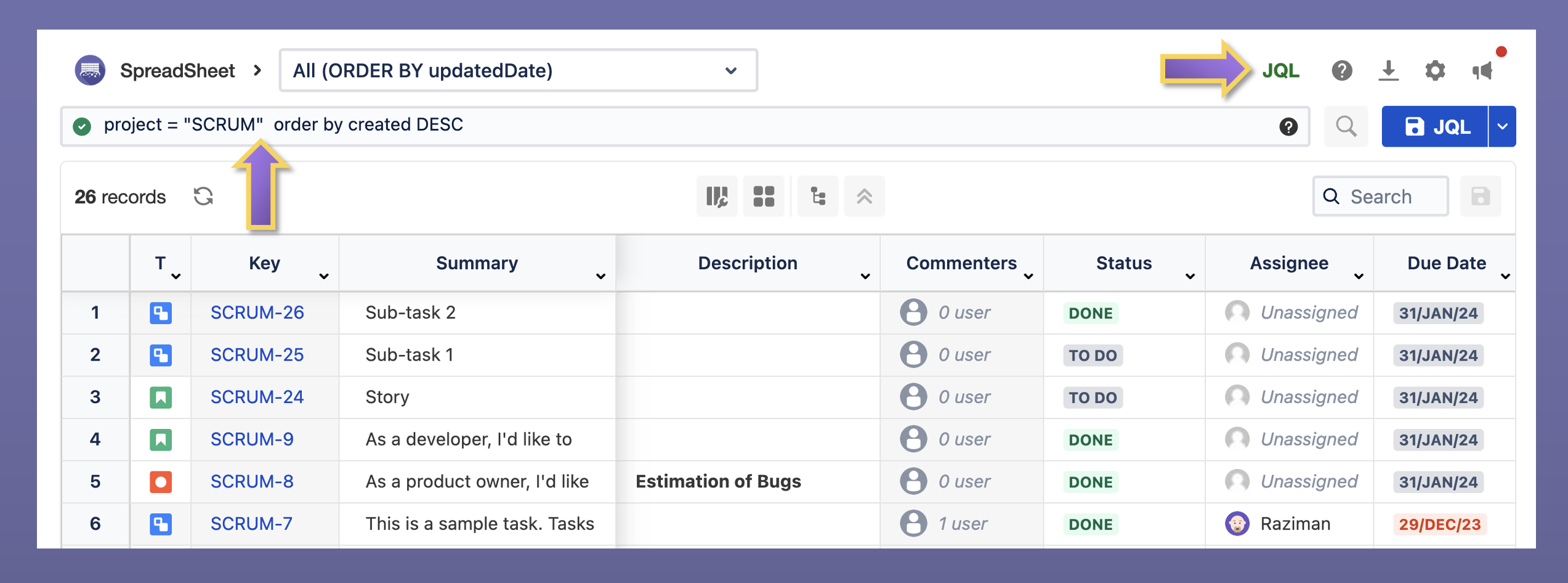
JQL Editor
The JQL editor provides an alternative way to narrow down your Jira issues using a familiar query language from Atlassian. Users can modify existing filters or create new ones, giving them greater control over refining their issue search.
Download Spreadsheet
You can export the current spreadsheet in Excel or CSV format.

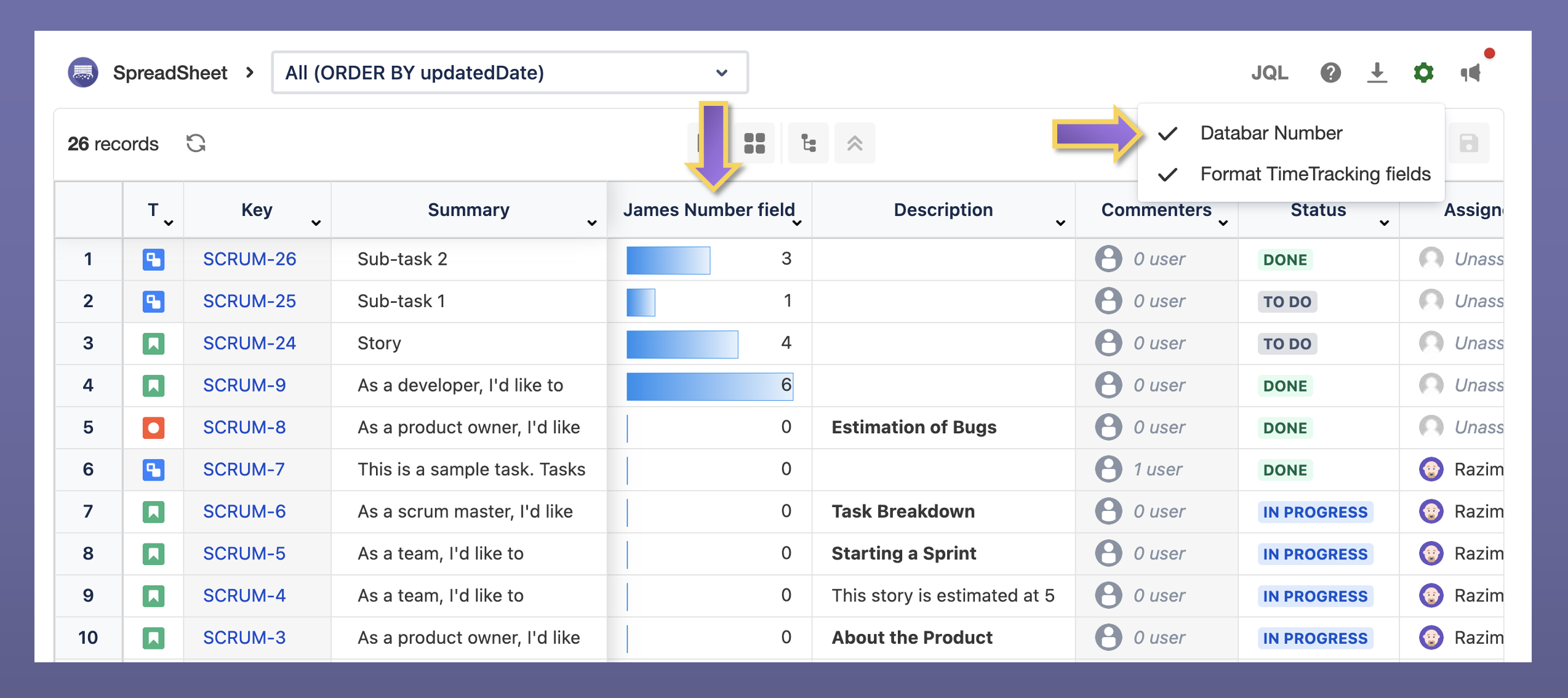
Spreadsheet Settings - Data bar Number
Visualize the values of the number fields.
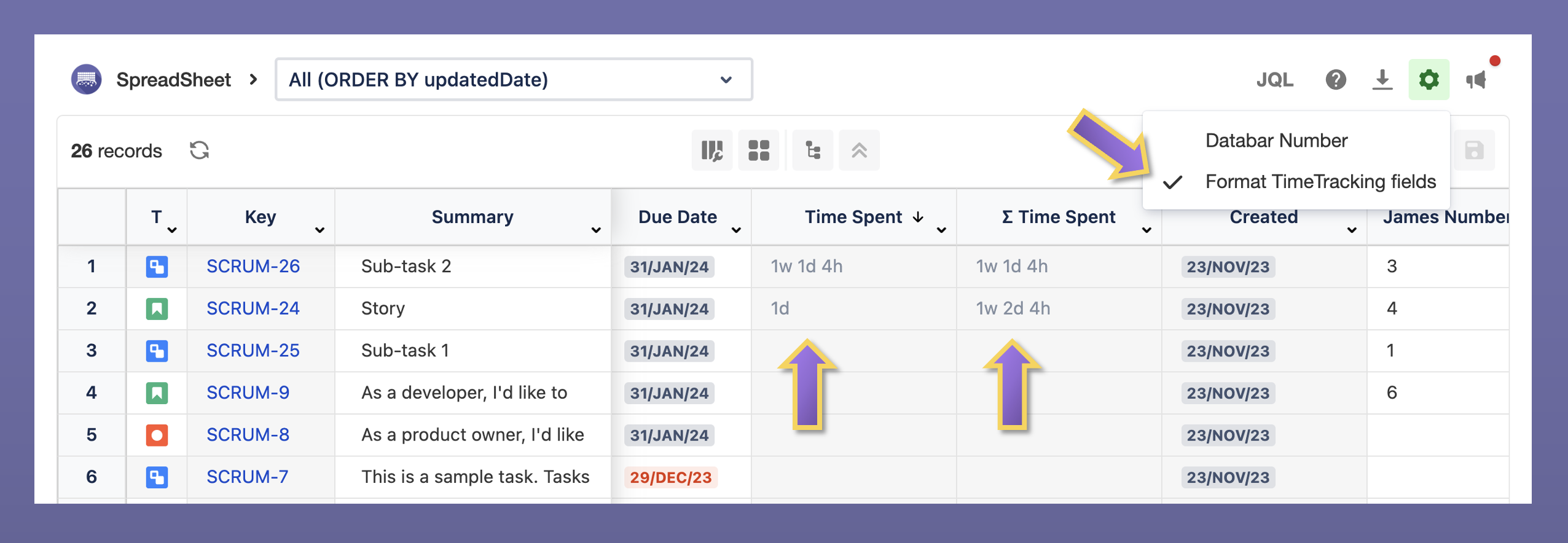
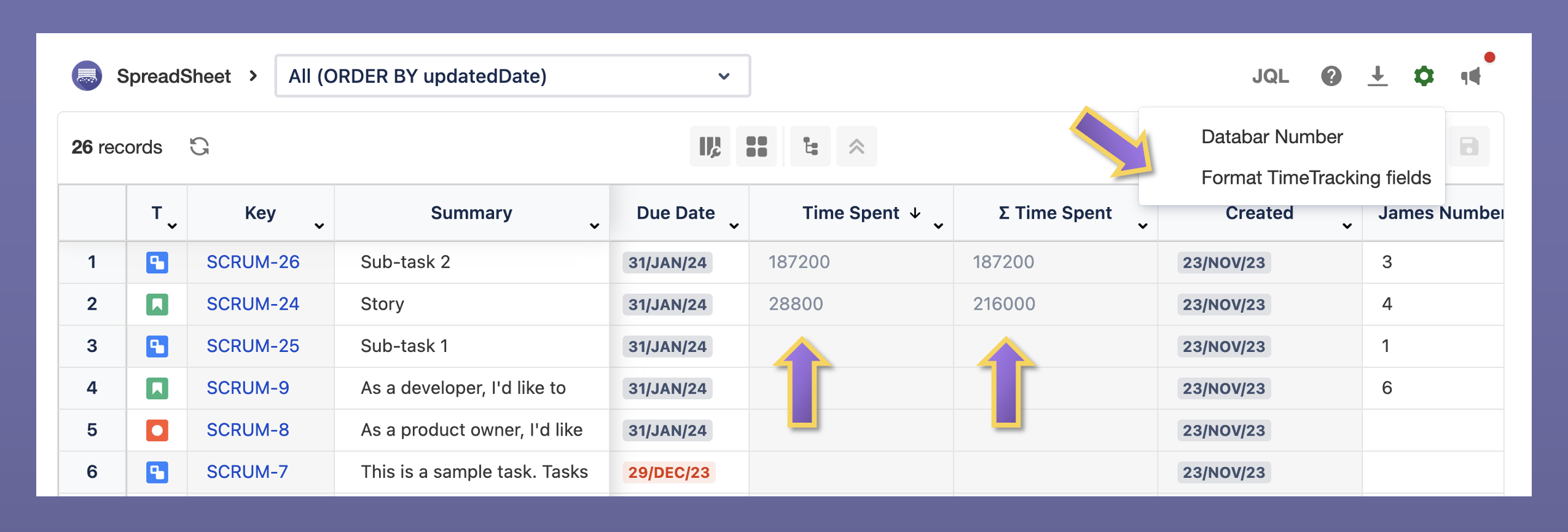
Spreadsheet Settings - Format Timetracking Fields
Change the display format of time tracking fields.
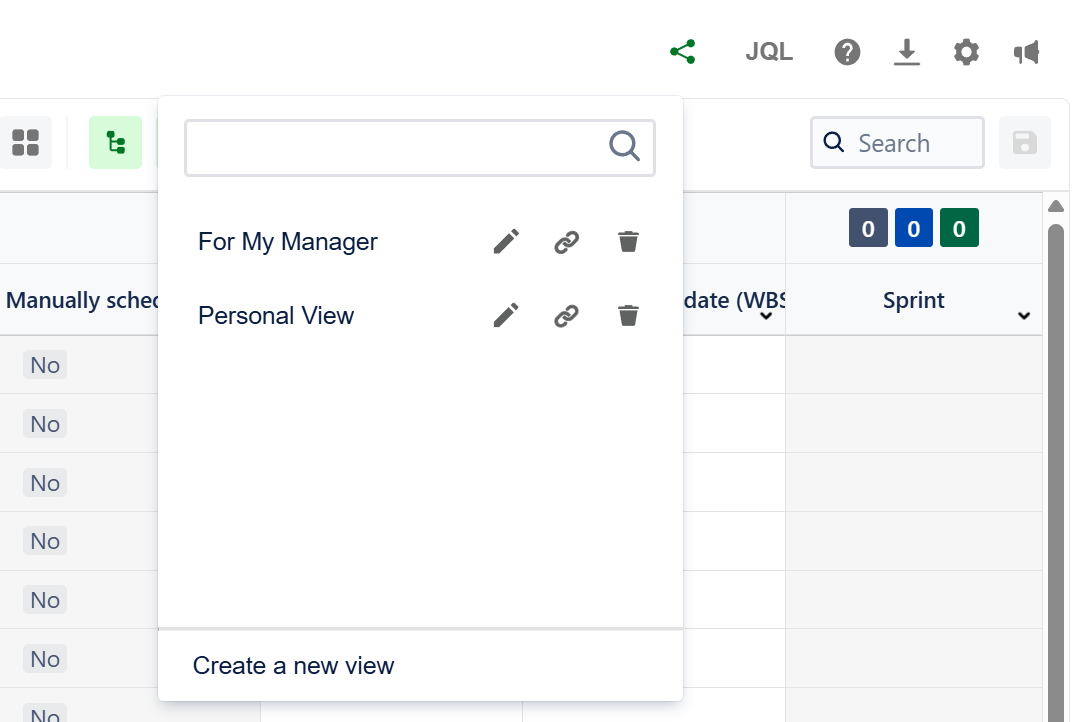
Share View new
After you have applied the new column configuration, conditional formatting, or filters, share it with your team using the share view.