
Version 4.0.0 posted on
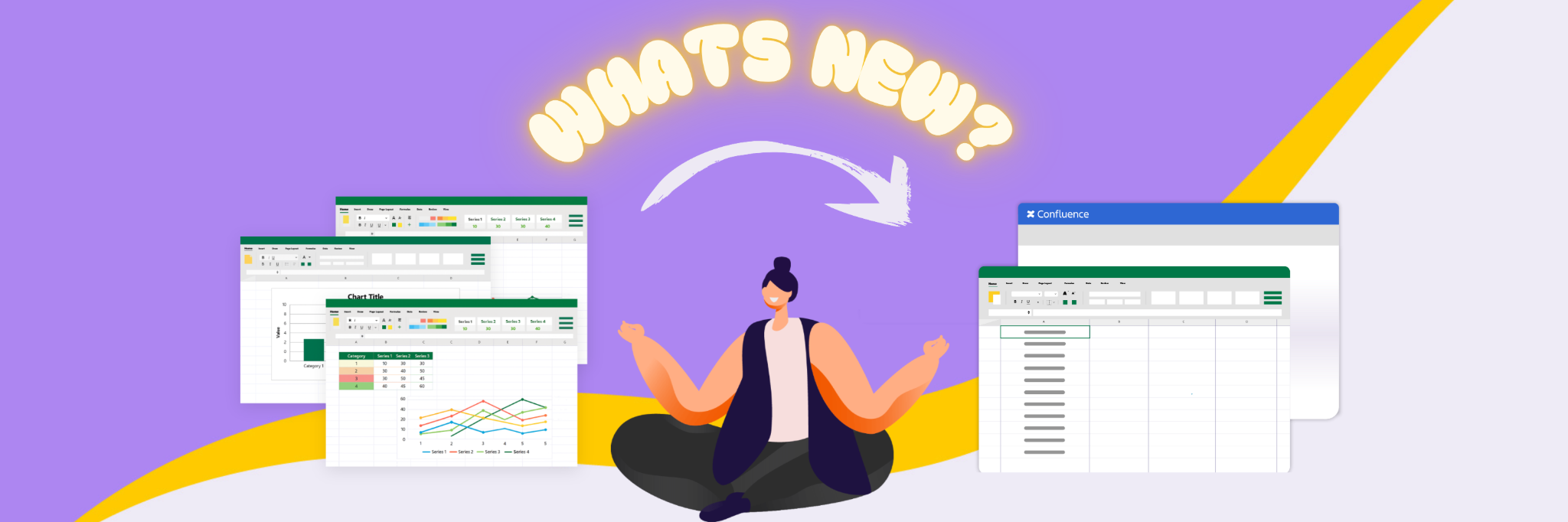
You can now link cells across different tables in Confluence! This means you can:
-
📌 Reference a single cell from another table
-
📊 Pull in ranges or even entire dynamic arrays
-
➕ Use cross-table references directly in formulas
With this update, your spreadsheet data in Confluence becomes more powerful and connected. Teams can now build multi-table reports, dashboards, and live-linked spreadsheets that stay up to date without manual copy-paste. It brings the flexibility of traditional spreadsheets to the collaborative world of Confluence.
Enhancements
Refresh Button for Read-Only Spreadsheet Macro
Quickly reload data in read-only spreadsheets without switching to edit mode.
Cursor Behavior Improvements
You can now choose how the cursor is positioned when a spreadsheet first loads.
-
Excel style: the cursor restores to the last cell you were working on.
-
Google Sheets style: the cursor always starts at the top cell (A1).
Improved Translation
Translations are now more accurate and natural, making it easier for everyone to use the app.
Powered by Released