
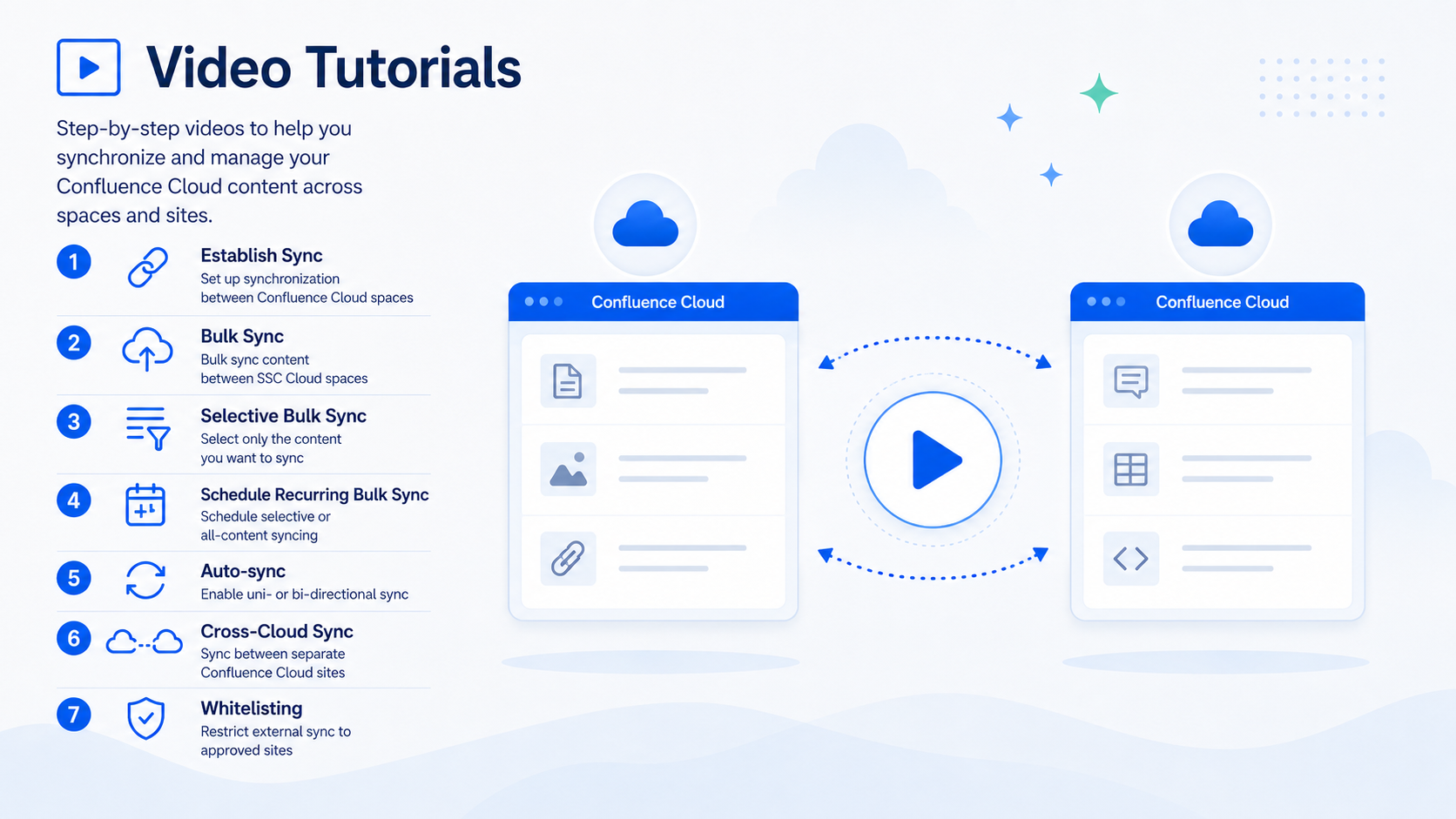
Step-by-Step Video Tutorials
Learn how to synchronize content across Confluence Cloud spaces and sites with Space Sync for Confluence through these short step-by-step video tutorials.
We recommend watching the videos in the order below if you're setting up Space Sync for Confluence Cloud for the first time. The series starts with the initial sync setup, then moves into bulk synchronization, selective syncing, recurring scheduled sync, automated updates, cross-site collaboration, and external sync controls.
|
Step |
Video |
Description |
|---|---|---|
|
1 |
Set up synchronization between Confluence Cloud spaces and establish the foundation for sharing content. |
|
|
2 |
Synchronize a larger set of content between connected Confluence Cloud spaces using bulk sync. |
|
|
3 |
Select only the pages or content you want to synchronize instead of syncing the entire space. |
|
|
4 |
Schedule recurring bulk synchronization for selected content or all content between connected Cloud spaces. |
|
|
5 |
Configure one-way or two-way Auto-sync to keep content updated automatically between Cloud spaces. |
|
|
6 |
Establish synchronization between spaces hosted on separate Confluence Cloud sites. |
|
|
7 |
Restricting External Sync with Whitelisting to Enhance Security |
Control which external Cloud sites are allowed to synchronize content by using whitelisting. |
1. How to Establish Sync Between Confluence Cloud Spaces
This video shows how to:
-
Establish synchronization between Confluence Cloud spaces
-
Select the source and destination spaces
-
Create the foundation for Cloud-to-Cloud content sharing
2. Bulk Sync Between SSC Cloud Spaces
This video demonstrates how to:
-
Start a bulk synchronization between connected Cloud spaces
-
Sync a larger set of Confluence content in one operation
-
Verify that the destination space receives the synchronized content
3. Selective Bulk Sync Between SSC Cloud Spaces
This video demonstrates how to:
-
Select specific pages or content for synchronization
-
Perform a targeted bulk sync instead of syncing the entire space
-
Keep content distribution focused on the information you want to share
4. Schedule Recurring Bulk Sync for Selected or All Content
This video demonstrates how to:
-
Schedule recurring bulk synchronization between connected Confluence Cloud spaces
-
Choose whether to synchronize selected content or all content
-
Automate repeated bulk sync operations on a recurring schedule
5. Uni- and Bi-directional Auto-sync Between SSC Cloud Spaces
This video explains how to:
-
Configure uni-directional Auto-sync
-
Configure bi-directional synchronization when updates need to flow both ways
-
Keep synchronized content updated automatically after the initial setup
6. Establish Sync Between Cross-Cloud Sites
This video covers how to:
-
Establish synchronization between separate Confluence Cloud sites
-
Connect spaces across different Cloud environments
-
Support controlled content sharing across teams, organizations, or partner sites
7. Restricting External Sync with Whitelisting to Enhance Security
This video explains how to:
-
Configure whitelisting for external synchronization
-
Restrict synchronization to approved external Cloud sites
-
Add an additional control layer for cross-site content sharing