
Let’s Get you onboarded!
To get started, visit the Getting Started page to see an overview of the app’s key features and capabilities. It helps administrators understand how the app works and how to begin setup.
Access it by going to Administrator Settings → Connected Apps → Secured Custom Fields for Jira → (…) → Getting Started.
We recommend reviewing this section before proceeding with configuration to ensure a smooth and structured setup experience.
Control Who can View/Edit Field at Field Level. Put Non-Sensitive data and Sensitive Data Together in One Issue!
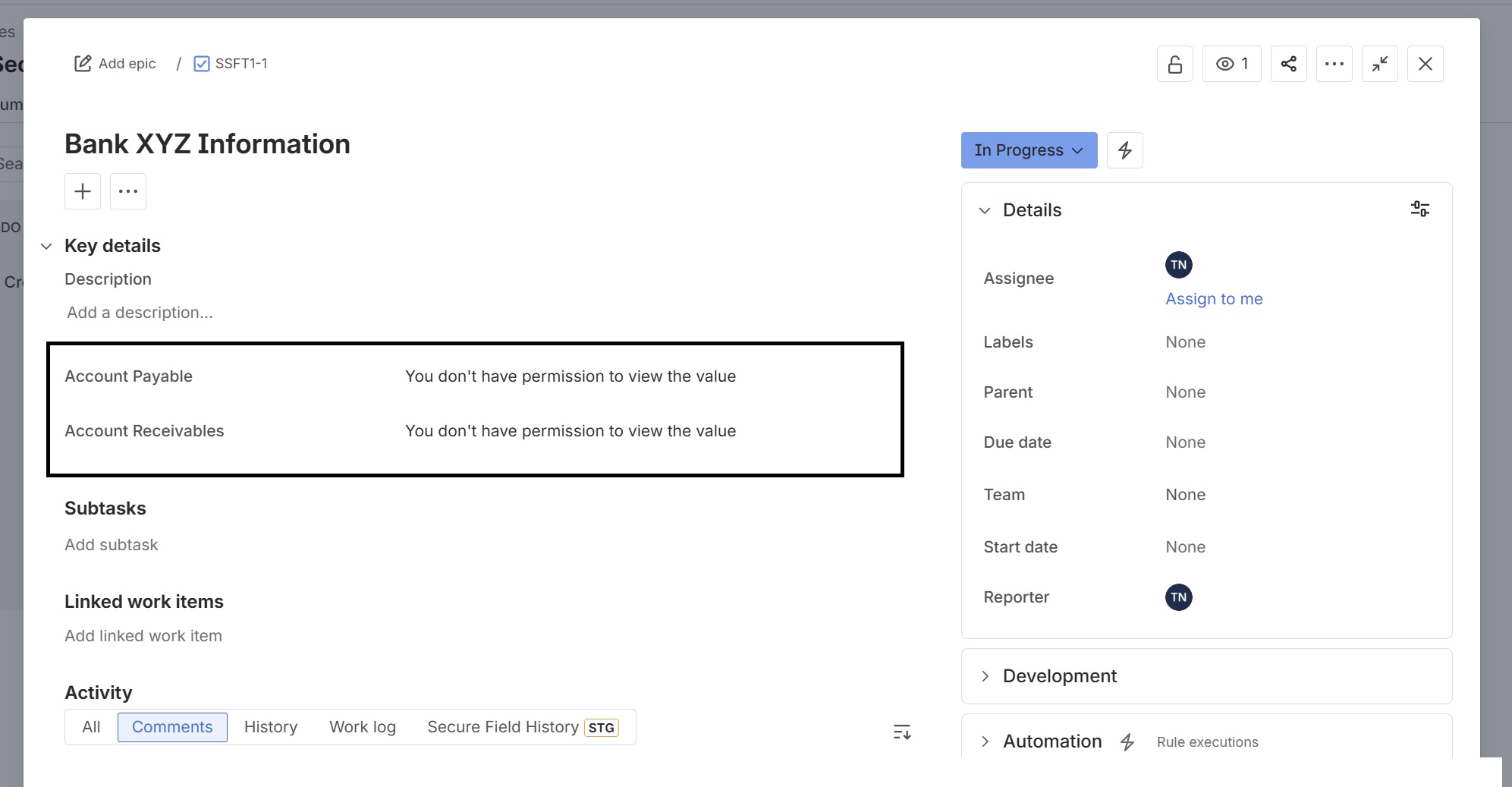
Secure Custom Fields for Jira enables Jira to control the view and edit permissions at the field level.
Even if a user can view and edit issues, if they do not have permission to view and edit at the field level, they will not view or edit that field.
Guides
How to create secure custom fields
Global and project-level secure fields configuration