
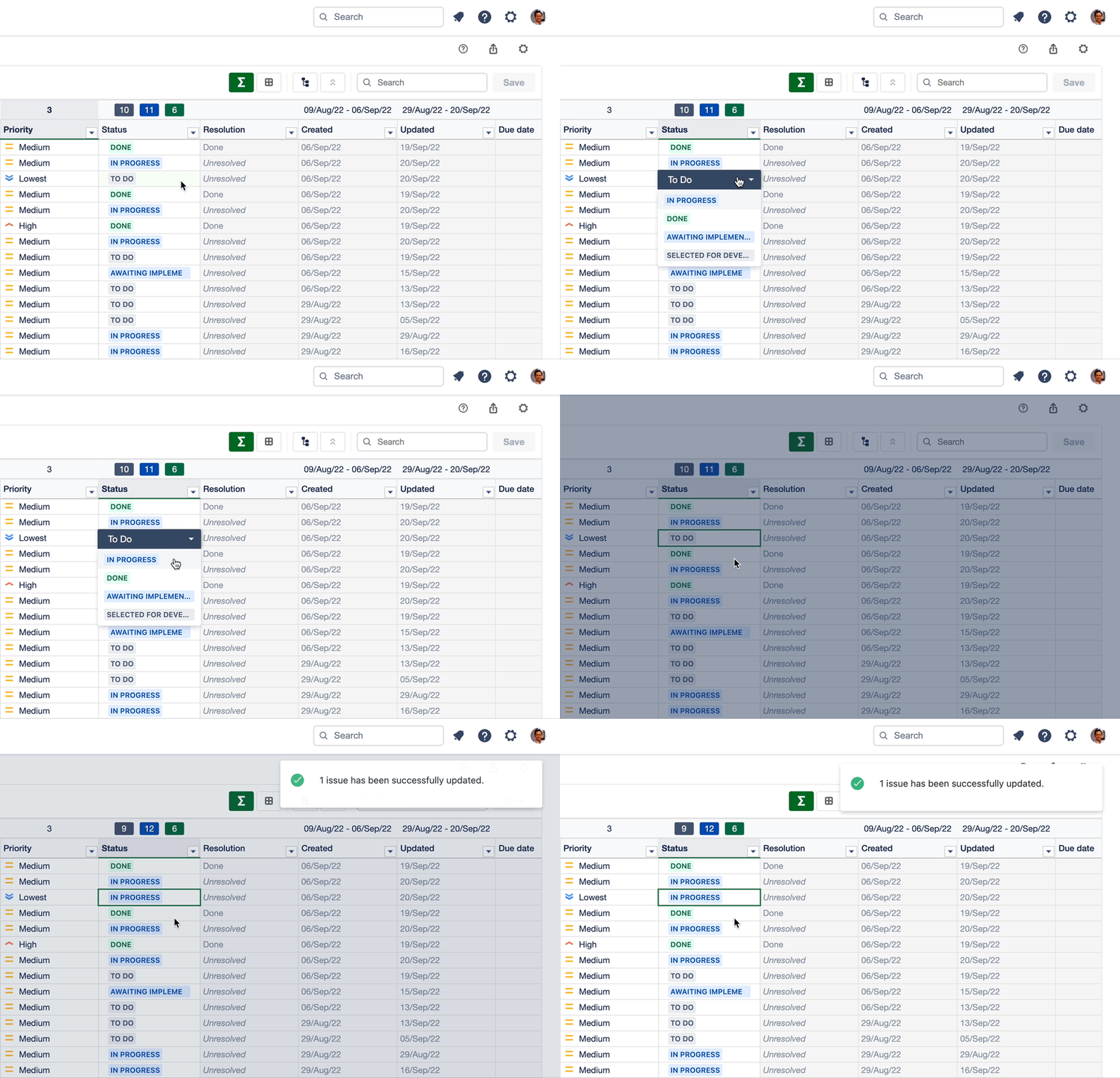
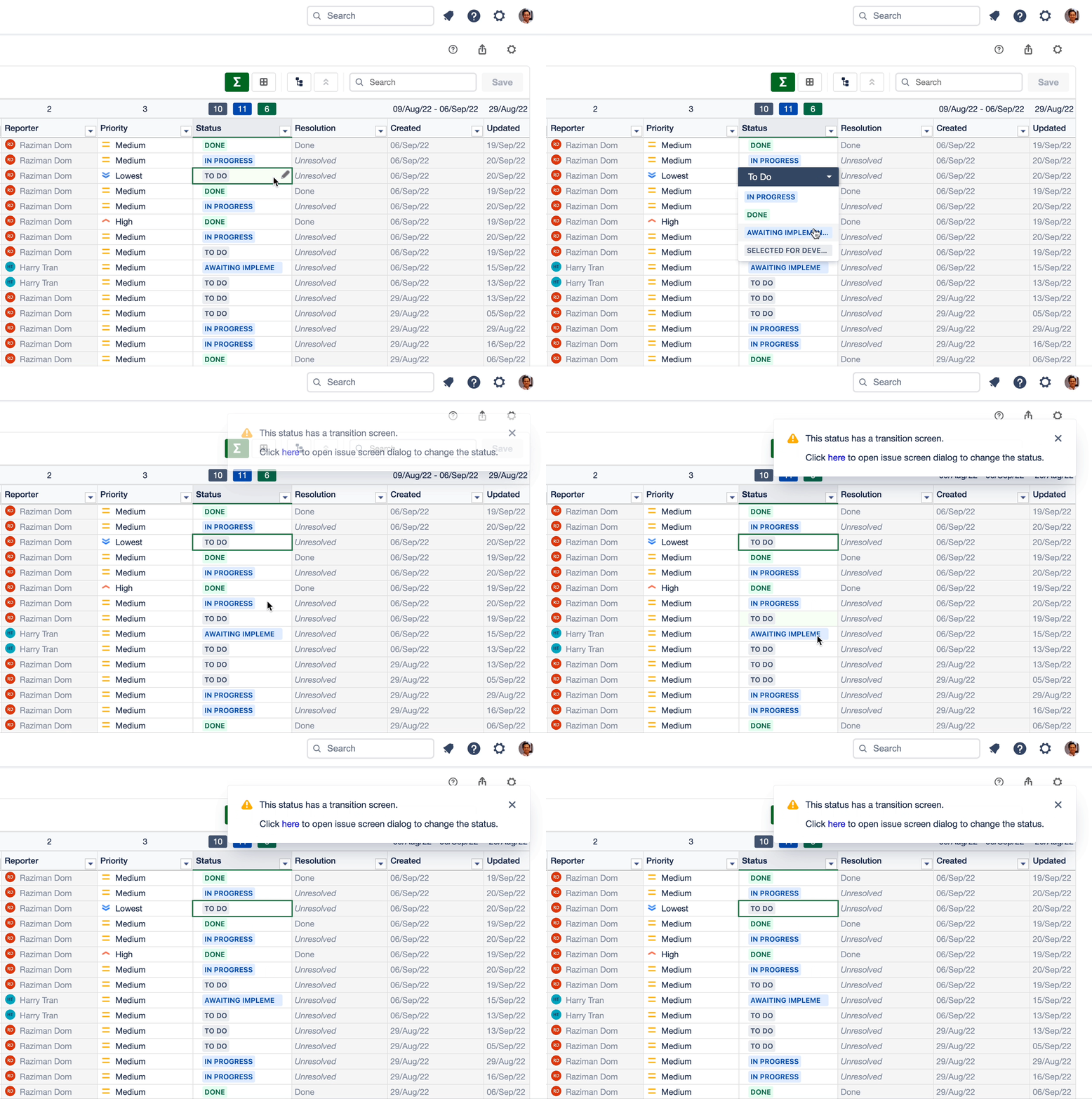
Users can easily update the issue status by double-clicking the status in the spreadsheet.
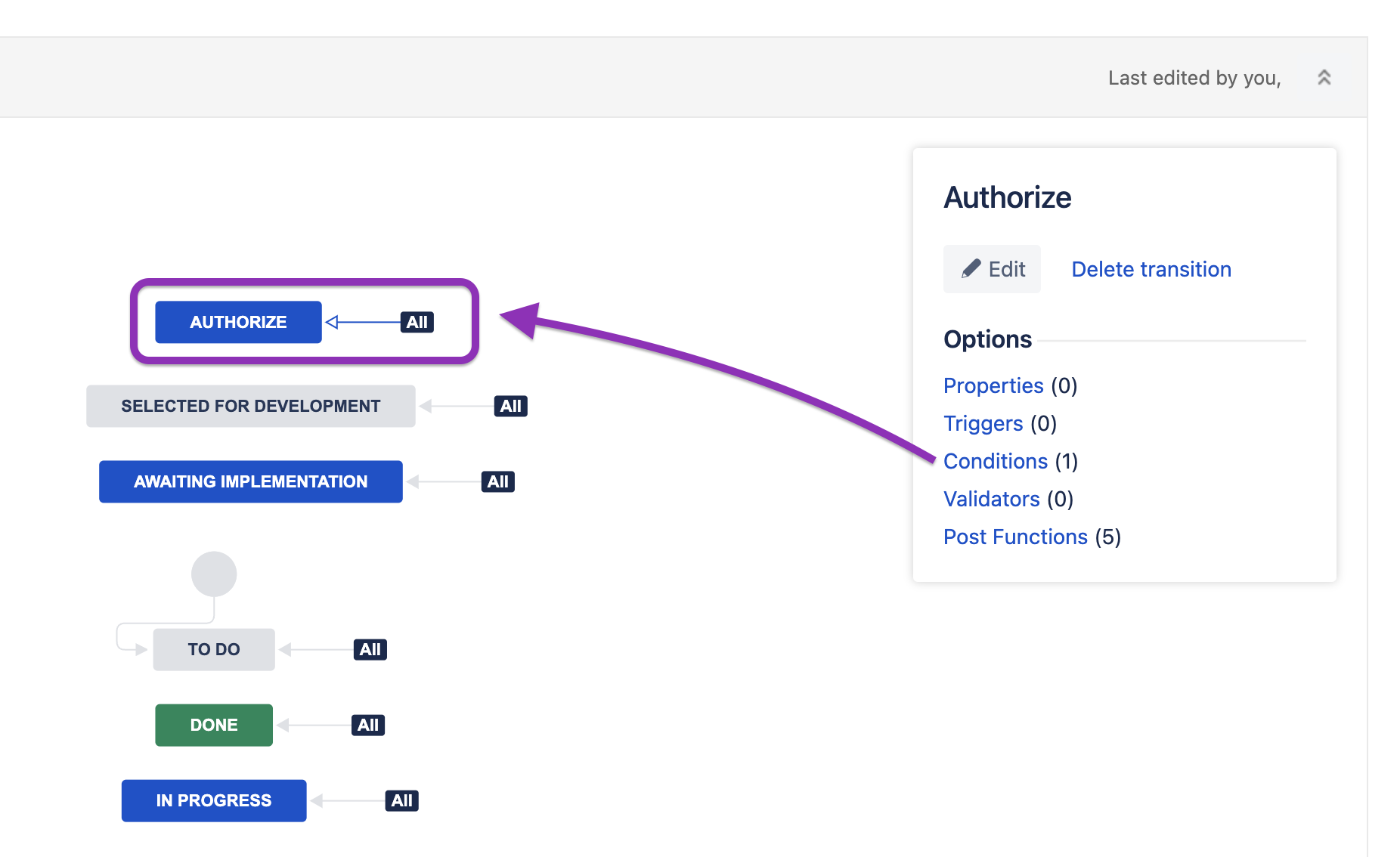
Workflow Condition
The status in the Excel-like Issue Editor behaves the same as standard Jira workflow. The spreadsheet would not show the status with a condition in the dropdown option.
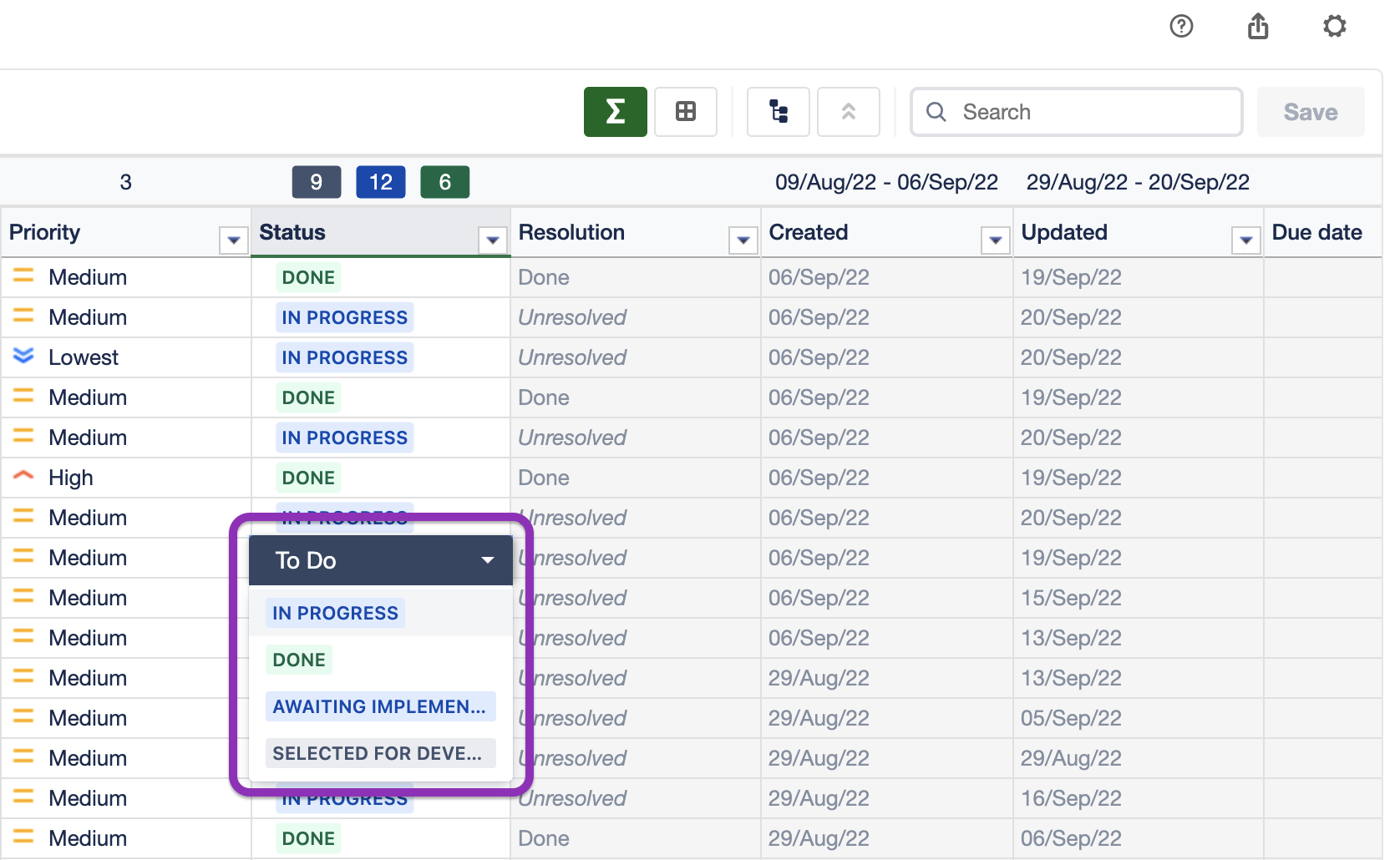
Workflow Validator
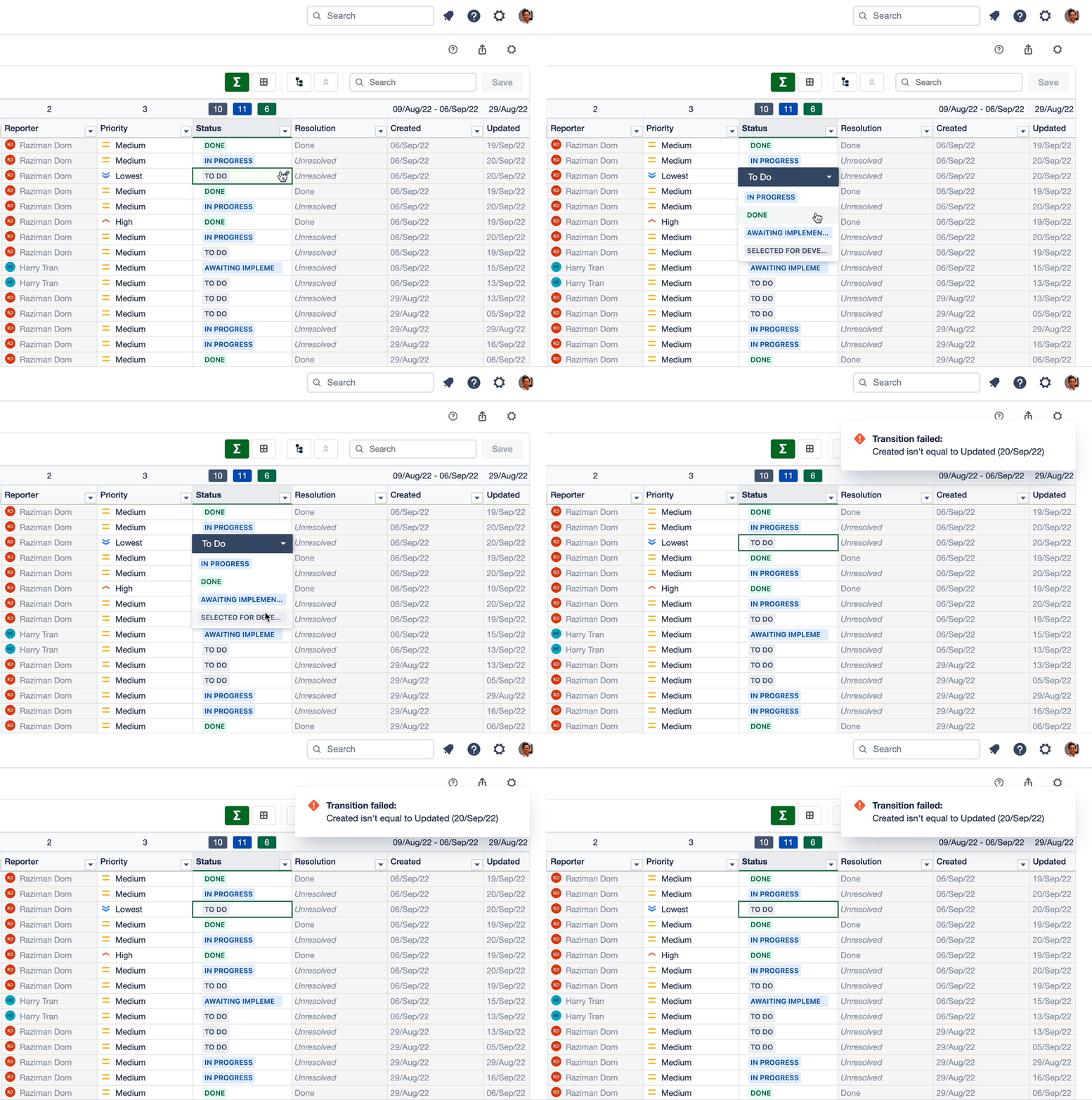
Excel-like Issue Editor will display an error message if users are trying to transition an issue to a status that has a validator.
Transition Screen
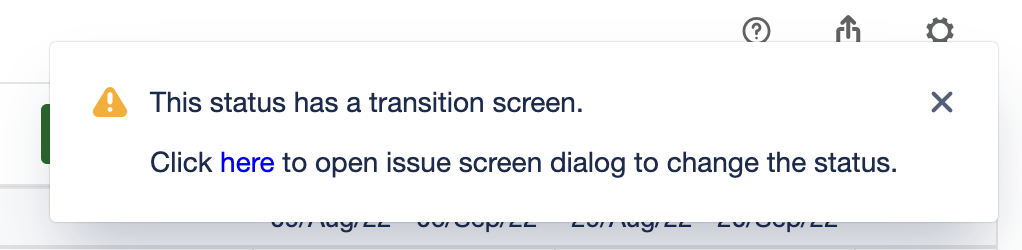
A warning message will be displayed if a status has a transition screen. Users need to click the link shown in the warning message to open the issue screen dialog to change the status.
Technical Limitation:
We cannot open a transition screen directly due to technical limitations. However, users can open an issue screen dialog to open the transition screen.