
Answer
To use Jira Links instead of the ones created by WBS Gantt-Chart, it will be necessary to reconfigure the View of your WBS Gantt-Chart Dependency link. Find below a tutorial that can help you with this:
-
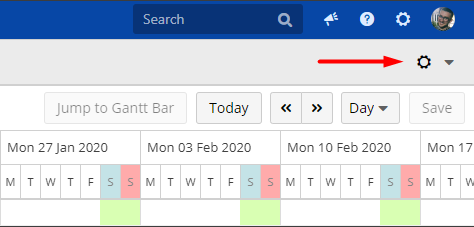
At your WBS Gantt-Chart screen, click on the Cog button located at the top right corner
-
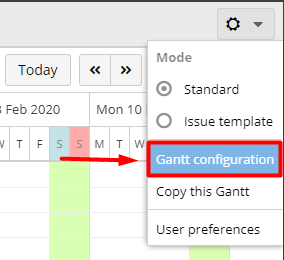
Click on Gantt Configuration
-
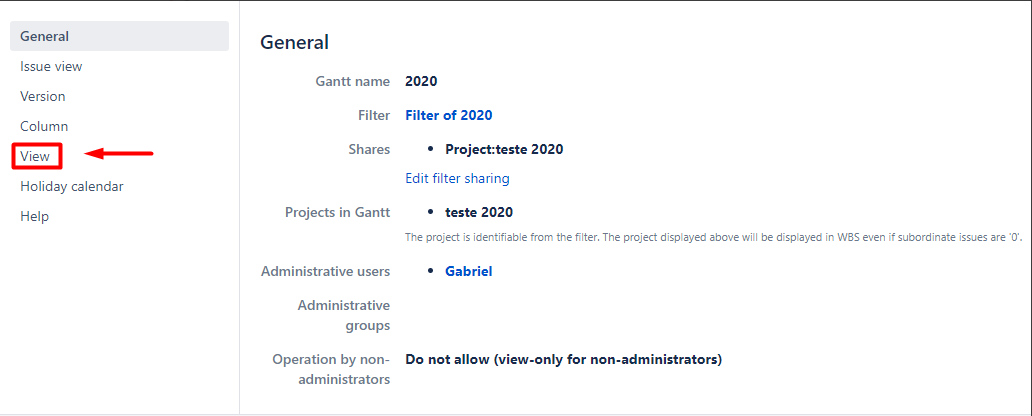
On the left column, click on View
-
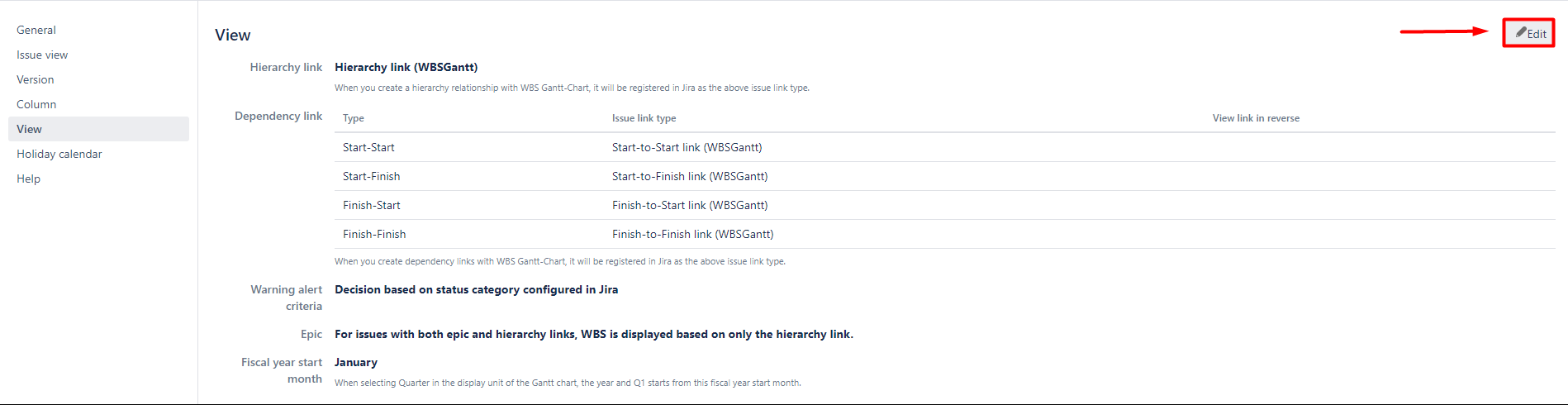
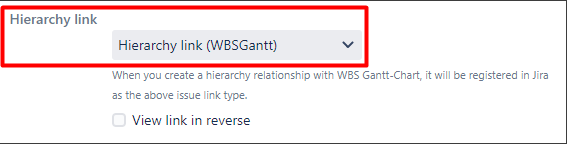
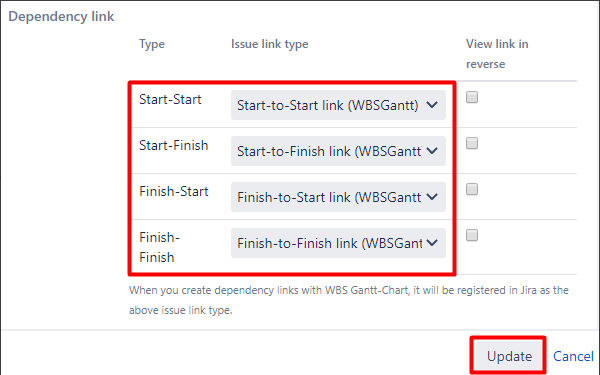
At this landing page, you'll be able to reconfigure the Hierarchy and Dependency links by clicking on Edit on the right corner of your screen
-
By clicking on the boxes related to Hierarchy link and Issue link type you will see the Jira Links available to be used
-
Click on Update to save your changes
In addition to that, you can find more information about Hierarchy and Dependency links on this documentation.