
Editing version settings
You can configure settings related to versions as follows:
-
Click Edit Version Configuration on the upper right-hand side of the version settings screen.
-
Edit the settings in the version configuration dialog.
-
Click Update.
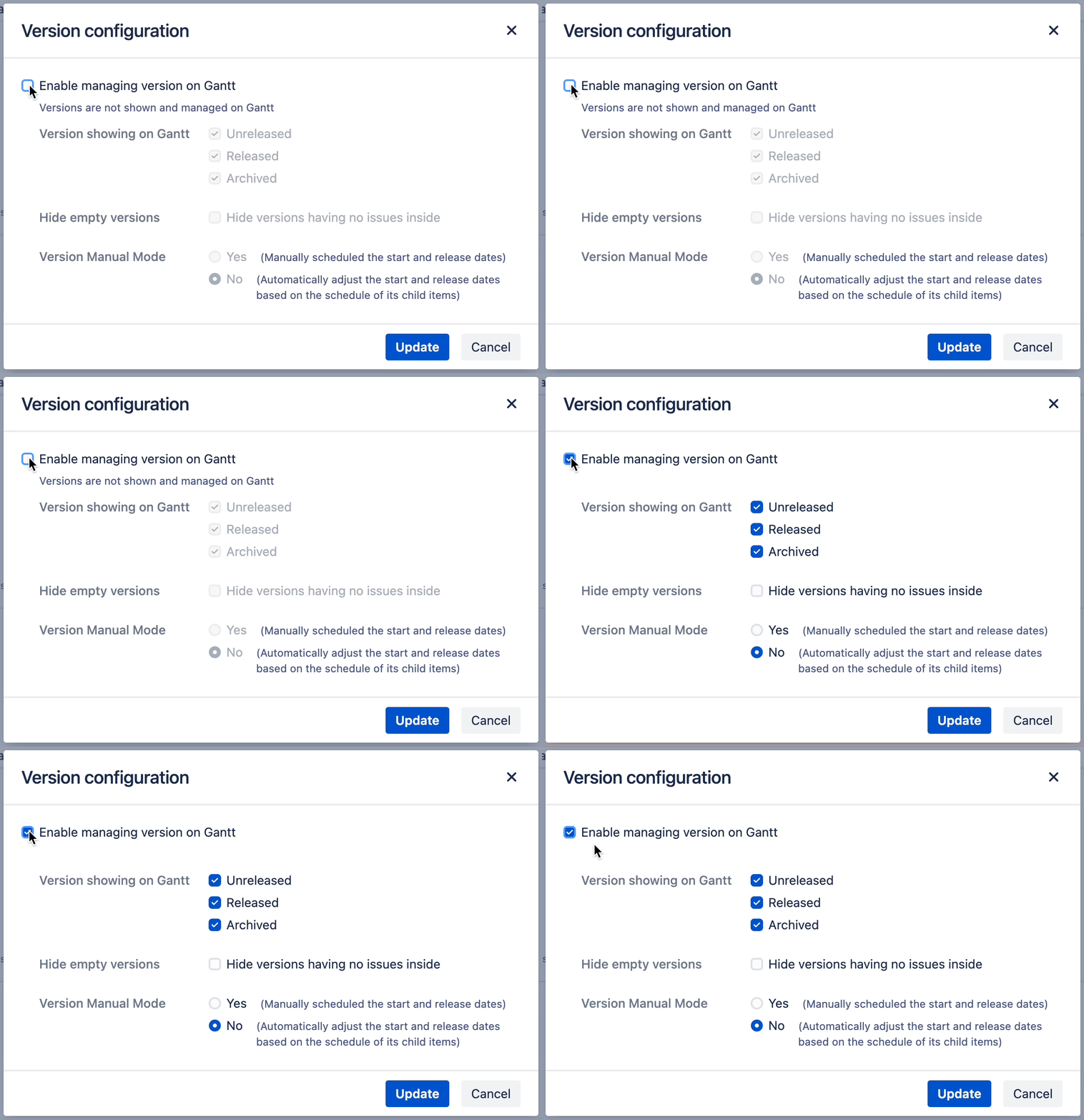
Editing versions to be displayed
You can hide previously released or archived versions from display.
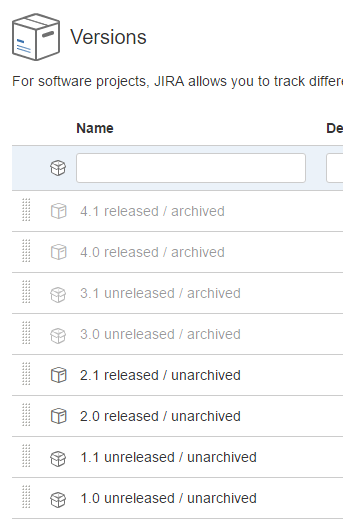
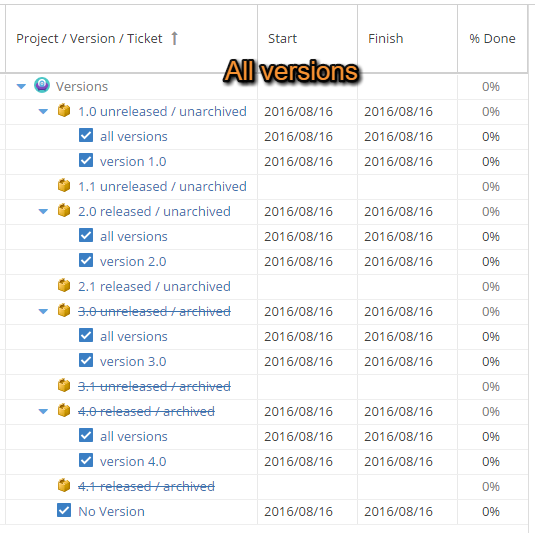
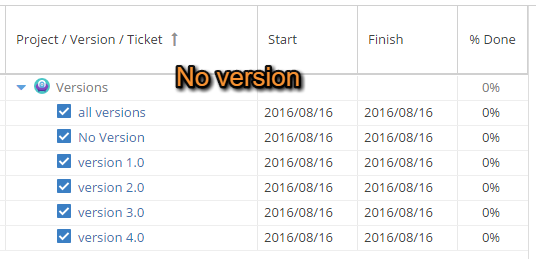
All versions
You can see all versions, including unarchived and unreleased versions.
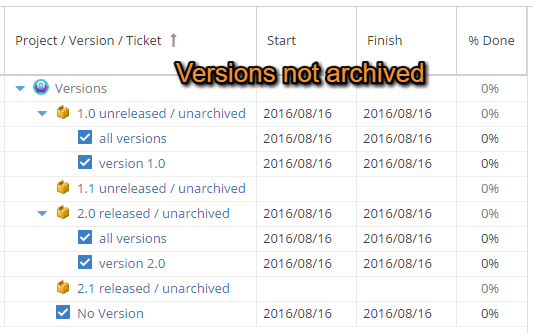
Released and Unreleased Versions
You can see all versions other than archived versions. Issues under archived versions are not displayed.
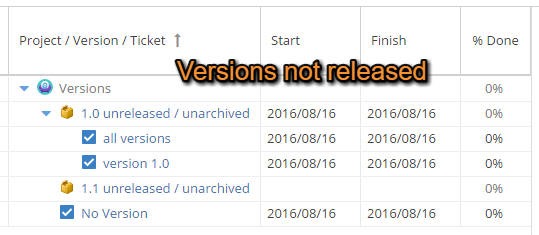
Unreleased versions
You can see all versions other than archived or released versions. Issues under archived or released versions are not displayed.
Archived versions are not displayed.
Disable managing version on Gantt
No versions are displayed, but issues related to versions are displayed.
When this configuration is enabled, versions cannot be added on WBS Gantt-Chart.
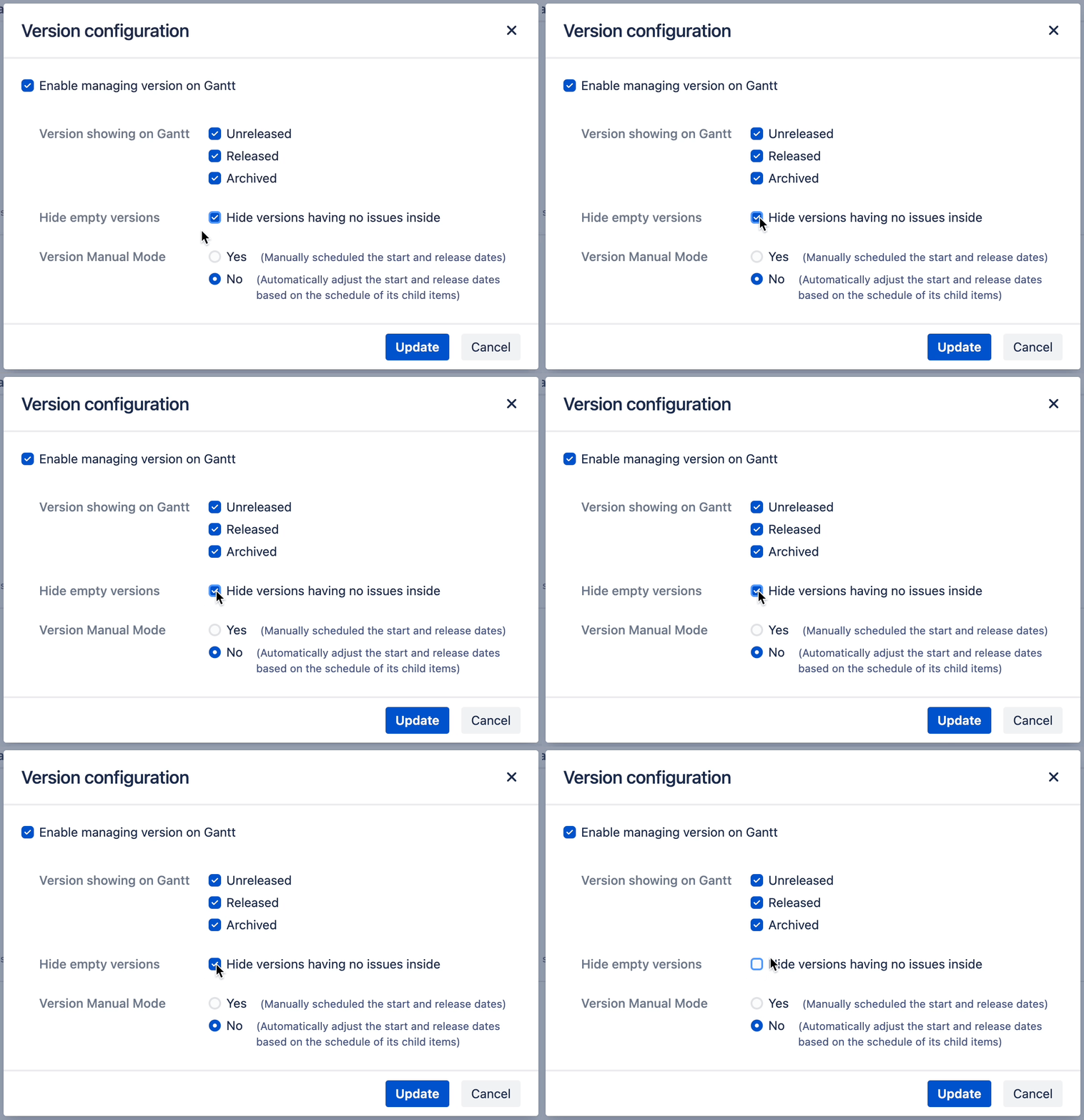
Hide empty versions
When this configuration is enabled, only versions with issues are shown.
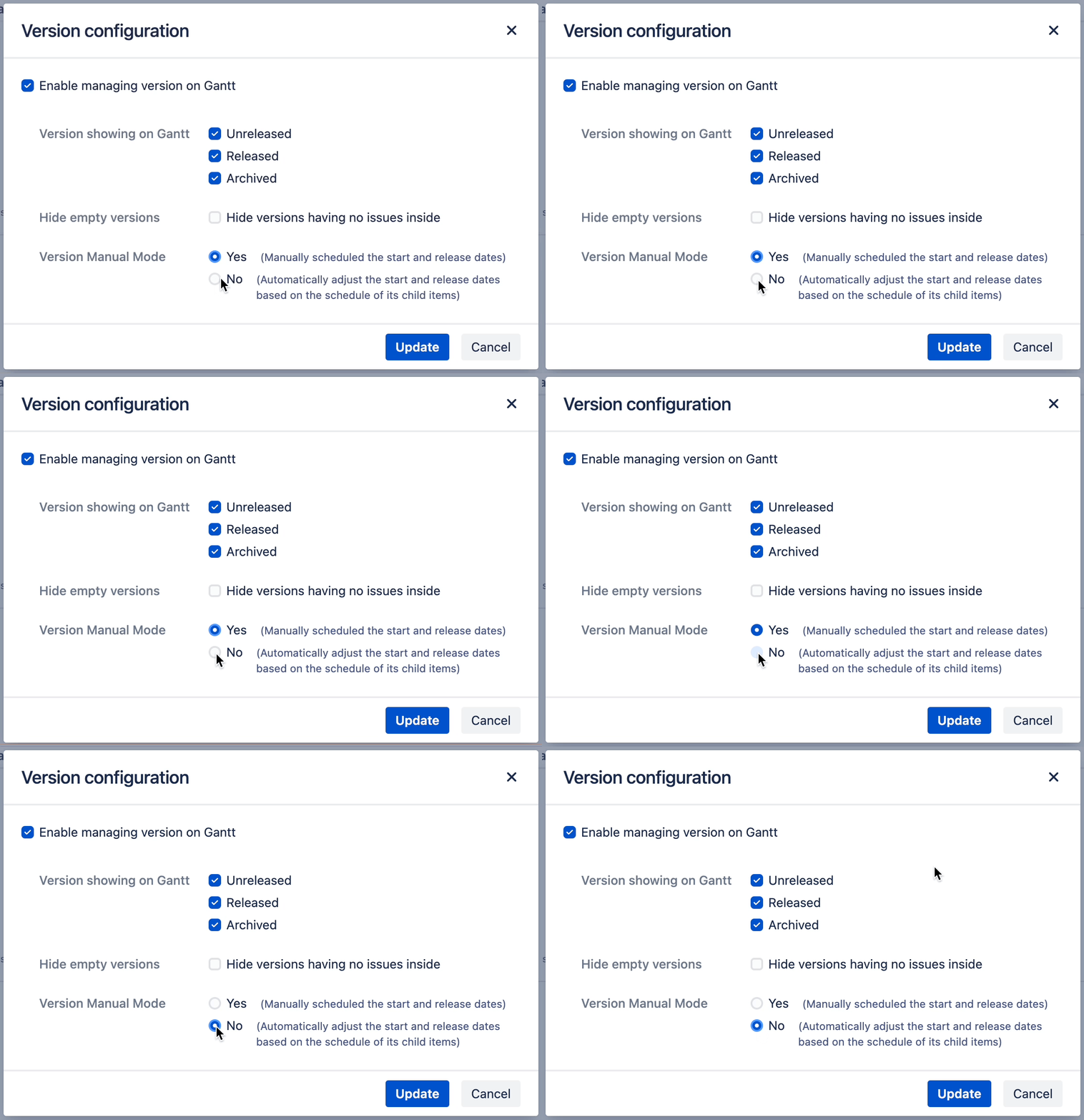
Changing the manual schedule mode for a version
Change Version manual mode in version settings. Choose the version manual schedule mode option
-
Yes: Manually schedule the start and release dates of version
-
No: Automatically adjust the start and release dates of version based on the schedule of its child items
For more information about manual mode, please refer to the user guide.
If you have any questions please feel free to ask a member of the Atlassian community!
Add the tag "addon-jp.ricksoft.plugins.wbsgantt-for-jira" when you ask a question.