
Problem
When loading the Excel-like Bulk Issue Editor, the page should normally display a configuration bar at the top and a progress bar while issues are being retrieved.

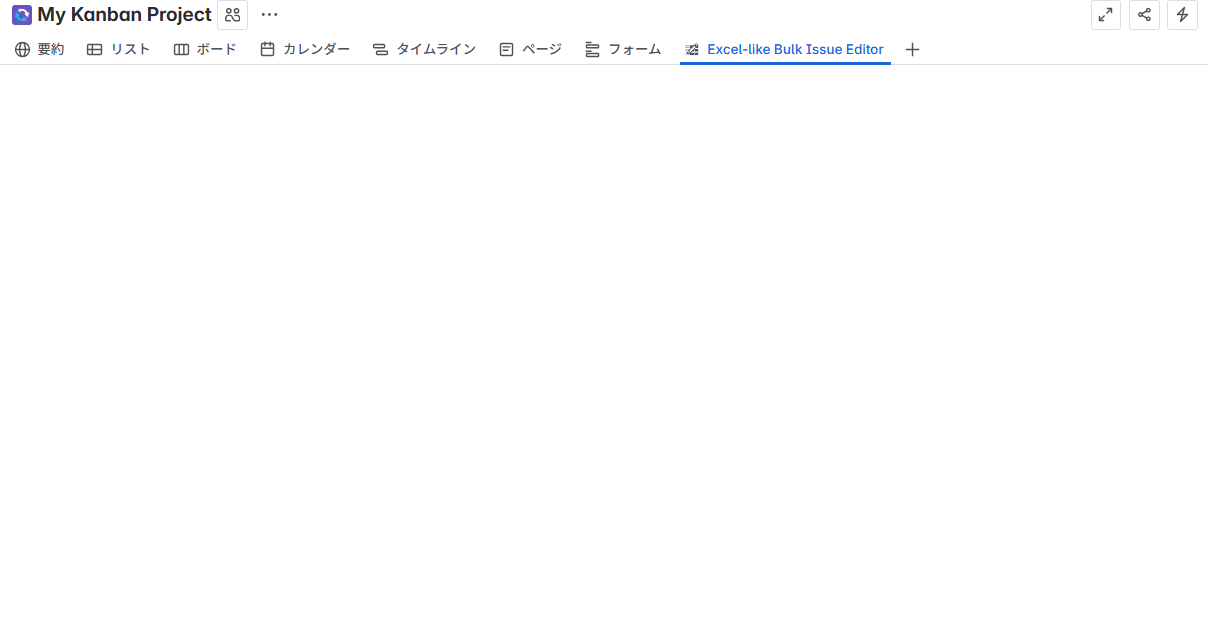
In this case, the configuration bar and Jira issues do not load. Instead, the page remains blank.
Browser developer tools or a HAR file may show that requests to *.cdn.prod.atlassian-dev.net return HTTP 307 responses. These requests are often blocked or redirected by a corporate network proxy, E.g, Zscaler.
Cause
The network proxy is preventing the loading of required static resources. This stops the editor from rendering correctly.
Solution
Request that your network or security team whitelist the requests from *cdn.prod.atlassian-dev.net on the network proxy.
Once whitelisted, the Bulk Issue Editor will be able to load the configuration bar and Jira issues as expected.